
Please note:
To unlock this capability, you will need to have added SMS to your Optimove package. If you can’t see this feature in your Optimove instance, contact your CSM to find out more.
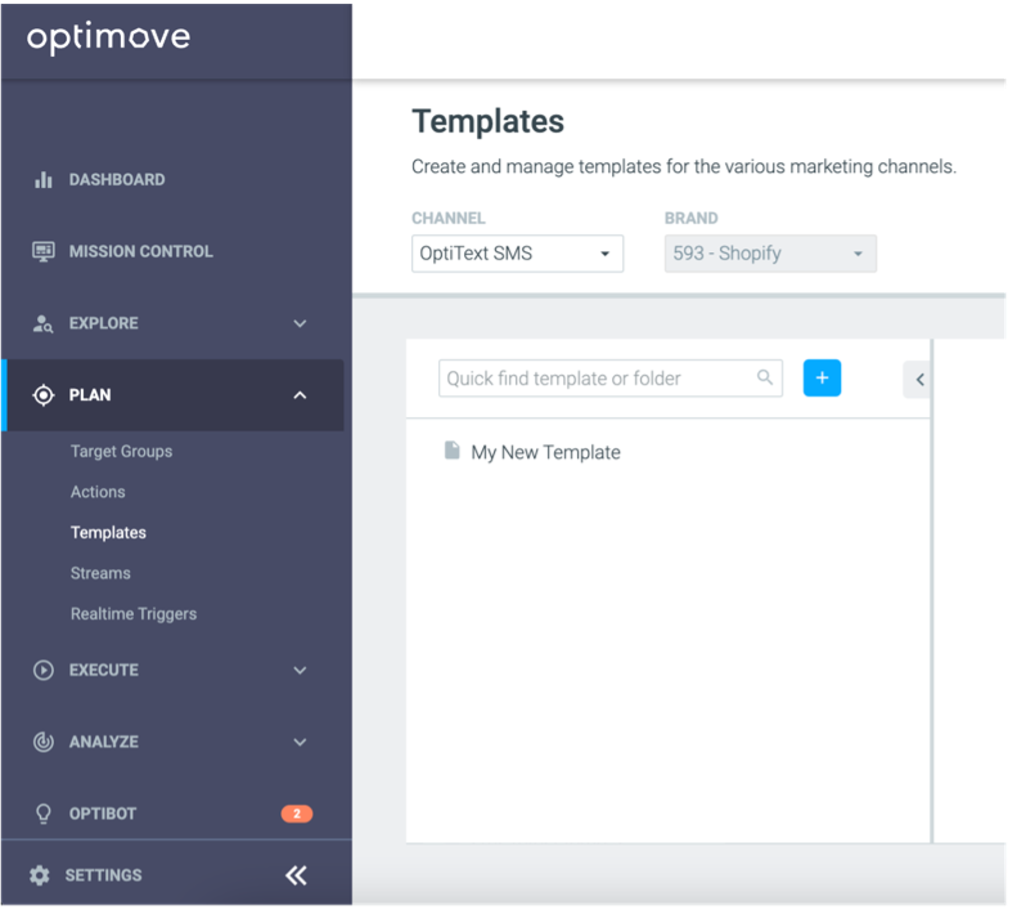
Working with Templates


SMS Template Content
Personalization
Short Links
As part of your SMS message, it’s advisable to always include a short link to help customers get to the relevant area of your website or mobile app.
You can add links to your SMS messages, and Optimove will automatically shorten them.
Simply click on the Link icon , enter your desired URL, and a short link will be added to your message.
Please note:
- By using the link shortening tool, your link will be formatted as "https://optxt.net/1234" where the 1234 is a unique set of numbers, unique to each individual user.
- If you add your own URL directly to the SMS template, you will not be able to collect click metrics. Clicks are only tracked on links added via the native link-shortening tool.
Emojis
Template Length
Please note:
If you include any emojis or other unicode, the character limit for your SMS messages changes to 70. The character count in the SMS template builder will update to reflect this when you are building your template.
MMS
You also have the ability to add media to your SMS template, to turn it into an MMS.
To do so, simply click on Add Image in the template builder.
From here, you can select an image from your Library, upload a new image, or search from stock images via Unsplash. Once you have the image you'd like to use, click on it, and confirm by clicking the ✅ icon.
The Template Editor supports PNG, JPEG, and GIF files up to 1 MB in size. For optimal display, MMS images should have an aspect ratio of 1:1 (square) or 9:16 (portrait) and a maximum resolution of 640x1138. If your image is too big or doesn't fit the required ratio, you will not be able to save the template until you add a suitable image.
Please note:
- To benefit from MMS, you need to have configured your From Number to be able to send this type of message. This can be done via your SMS aggregator. If you are unsure, please contact your SMS aggregator's CSM to find out more.
- MMS are only supported in Canada and the United States.