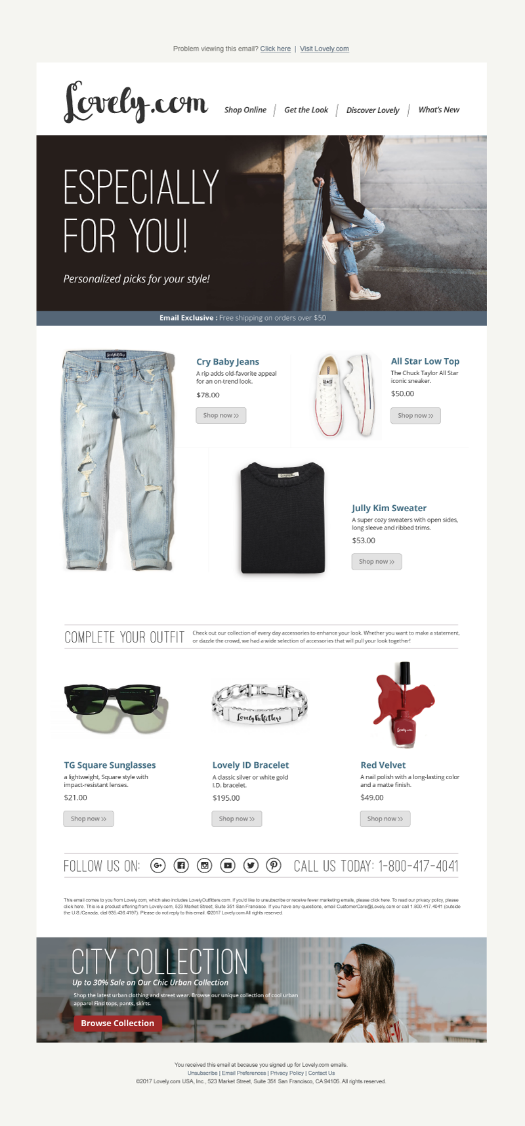
Step 1: Prepare Your Recommendation Templates
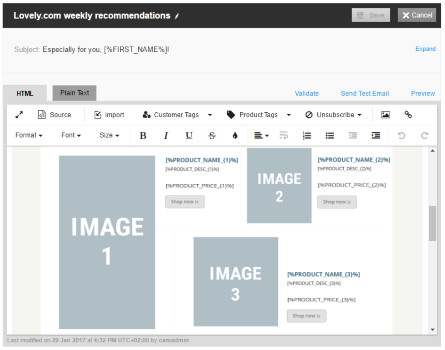
1. Prepare a separate HTML template for each number of products to be included in a single recommendation email. So, if your recommendation campaigns are configured to send recommendations of up to 10 products per email (as shown below, this setting in the UI is named “Max items per campaign”), you will need to create 10 separate templates: one that includes a single product, one that includes placeholders for two products, and so forth. Other than having different numbers of product placeholders, the templates can be otherwise identical, as they will all belong to the same campaign.
- [%PRODUCT_NAME_{X}%]
- [%PRODUCT_DESC_{X}%]
- [%BRAND_{X}%]
- [%CATEGORY_{X}%]
- [%DEPARTMENT_{X}%]
- [%PRODUCT_IMAGE_{X}%]
- [%PRICE_{X}%]
<pclass="brand">Lovely.com</p><pclass="image"><imgsrc="assets/img/products/Lashes_Lavender.png"></p><pclass="primary"><spanclass="productname">Lashes Lavender</span>A highly pigmented powder<br>that applies evenly.<br><spanclass="price">$15.99</span></p><pclass="brand">[%BRAND_{1}%]</p><pclass="image"><imgsrc="[%PRODUCT_IMAGE_{1}%]"></p><pclass="primary"><spanclass="productname">[%PRODUCT_NAME_{1}%]</span>[%PRODUCT_DESC_{1}%]<br><spanclass="price">[%PRICE_{1}%]</span></p>|| Note: Optimove will not verify the validity of the sequential numbering, so it is important that you ensure that each section contains the correct sequential numbers for each tag.
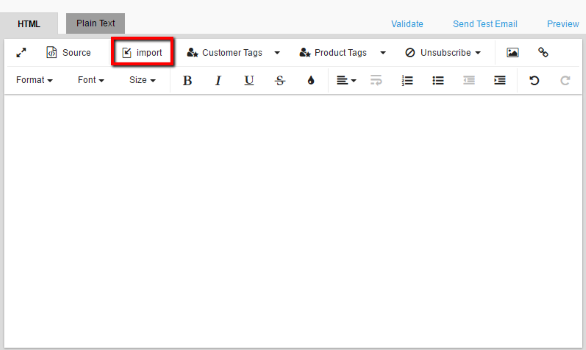
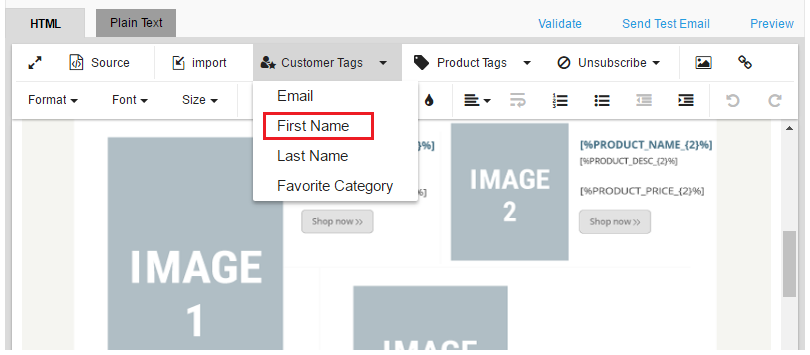
Step 2: Import the Recommendation Templates into Optimove
1. In the Manage Templates page, create a new folder to contain the set of recommendation templates you created. The folder you create will automatically receive a suffix of {X}, indicating that this folder contains a set of recommendation templates.
Step 3: Create the Recommendation Campaign
1. Create a marketing action with the type Recommendation. The Recommendation type is connected to the Optimove recommendation algorithm (or to an external algorithm provided by the customer), and is responsible for identifying, on a daily basis, the list of products to be recommended to each customer.
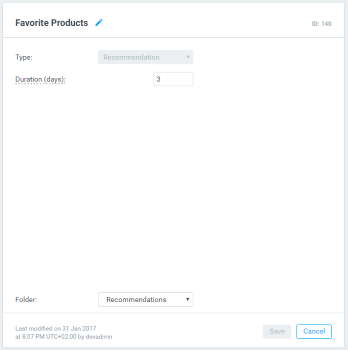
|| Note that you may create additional actions of the Recommendation type, but they will all run the same recommendation algorithm.
- Select Email as the execution channel.
- From the list of available templates, select a folder containing recommendation templates (these are folders with the {X} suffix). The selected folder represents all templates located within it; they will be the templates used when executing the campaign. (You will only see recommendation templates on this list – to see other, non-recommendation templates, create or select a different marketing action with the Type set to General.)
|| Note that you can run a recommendation campaign as an A/B campaign, but both marketing actions must be of type Recommendation.