Please note:
To unlock this capability, you will need to have added DynamicMail to your Optimove package. If you can’t see this feature in your Optimove instance, contact your CSM to find out more.
How will scraping work with an email using dynamic content?
We use a headless Firefox browser to “display” the page on our servers. We grab a screenshot of the page and save the images every hour. We can scrape the page so long as it’s not behind a login or a VPN.
Do DynamicMail emails get flagged as spam or as a large-sized email?
This has not been reported as an issue so far. We encourage our customers to keep file sizes down as they would for any image in an email.
Is it worthwhile using a component that is only available for iOS?
We believe that providing iOS users with a better experience is always better than providing both with a lesser experience.
Is there a default way to retrieve data if my site is down?
- If the data in the email is coming from a custom scrape and the scrape fails, the results from the last scrape will be shown.
- If it is a known issue, and your site goes down frequently, we would recommend gathering data from an API, CSV in SFTP, or another method.
Where can we find the results from a survey conducted via a DynamicMail component?
We can send the results periodically as a CSV file or a data connection. Creating a data connection will take some time to develop.
I selected 'Fluid' in my component's responsive settings, but it doesn't work.
- For the fluid option to work correctly, your HTML email template must begin with a DOCTYPE tag. Example: <!DOCTYPE html>
- Do not alter the style of the component. If any additional style tags added to the snippet when placed in the email, we cannot guarantee proper behavior or appearance.
In some of my emails, images are flipped. Why's that happening?
DynamicMail does not support email clients that are right to left (Hebrew and Arabic). View the email in an email client that is left to right and the content should appear properly.
Why does nothing display on the homepage or under "My Components"?
- Please try to log out and then log in again.
- If that doesn't solve the problem, please clear your browser's cache.
The Carousel/Gallery/Pop Up/News Ticker/Reveal does not work when tested.
These are supported on iOS Native Mail only; other devices/email clients will show the default. For the list of components and their supporting ESPs, click here.
The component isn’t working in tests.
If the reason is not due to device compatibility, please check if the HTML matches the original HTML created. If the snippet code is changed, we can't guarantee that the functionality or design will be maintained. For the list of components and their supporting ESPs, click here.
Why is the Geo-targeting component displaying the wrong location?
- In case the default is being displayed:
What email client is it being viewed on? Gmail and Yahoo use proxies, so they will see the default option. - Double-check the Radius definitions in the Creator.
- If the wrong location is being displayed:
- What is the IP address of the person reporting the bug? https://whatismyipaddress.com/
Are they on mobile data or Wi-Fi? Depending on the mobile tower, the IP could be for a different location than their physical location.
- What is the IP address of the person reporting the bug? https://whatismyipaddress.com/
- Is a VPN being used? This will mask the IP and influence the results.
Is it possible to add additional users to the creator account?
Currently, DynamicMail does not have the ability for a single account to have multiple users.
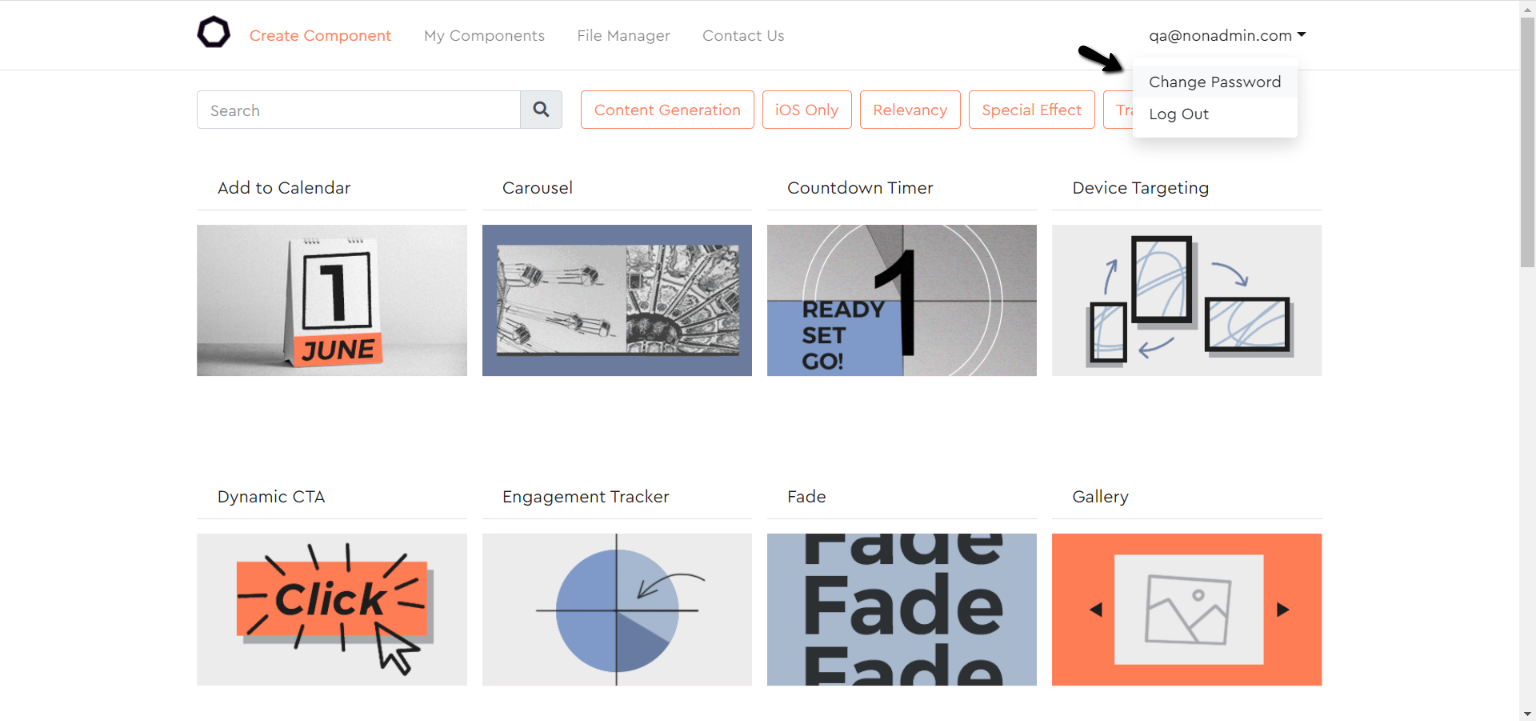
How do I change my password?
Click your email address at the top right, and choose "Change Password".