Archive Target Groups
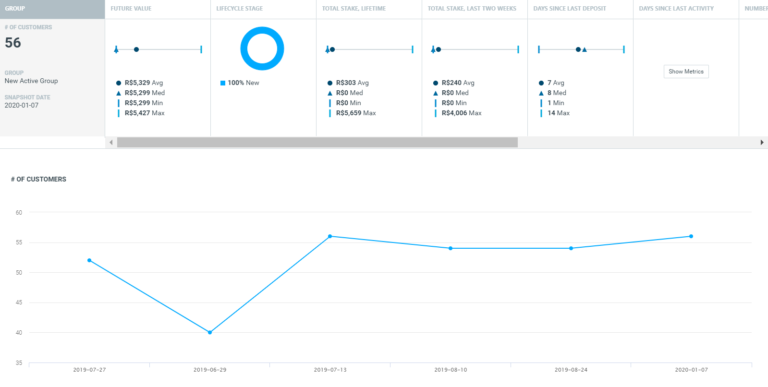
You can now archive target groups that are no longer used in order to declutter the Manage Target Groups page and all campaign-related views (e.g., Target Group Priority, Marketing Plan, Run Campaign Wizard). To archive target groups, go to the Manage Target Groups page and drag the target groups or folders you wish to archive into the Archived folder.
Optimail Content Customization Using Conditional Clauses
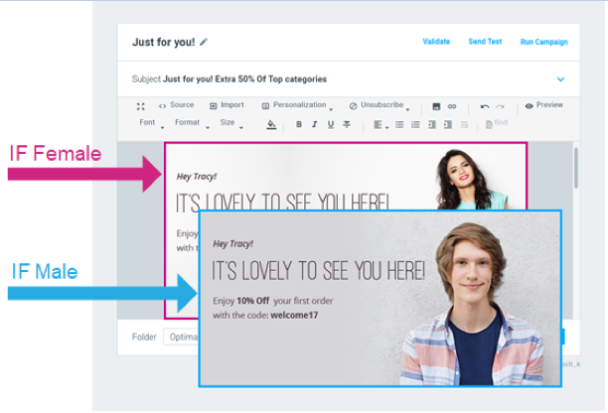
Customize email text, images, and subject lines in Optimail templates, based on any customer attribute/activity, using if/then and if/then/else clauses.
Analysis for Multi-Action Realtime Campaigns
Realtime Campaign Explorer now includes analysis for A/B campaigns in the campaign list, including a breakdown of response metrics per action.
Realtime Campaigns via an Event Listener
You are now able to register an event listener to Optimove’s event reporting service (via the RegisterEventListener API call) and receive notifications on the execution of all real-time campaigns. Until now, Optimove only reported on real-time API campaigns via the Event Listener (in addition to reporting on scheduled campaigns); now, all types of real-time campaigns are reported, as they are fired.
Run Realtime Campaigns with Promotions
Promotion selection is now available for all real-time execution channels (not just for the API channels). Selected promo codes will be included in the campaign’s payload when sent to a registered listener.