
GDPR Compliance – Supporting the Right to be Forgotten
As discussed in Article 17 of the GDPR, the right to erasure, also known as “the right to be forgotten”, obligates data controllers to erase the personal data of individuals upon request, without undue delay. To this end, Optimove provides two options that you can use to completely and permanently delete all data related to a particular individual from all Optimove systems:
By using the RemoveCustomerPII function of the Optimove API.
|| Important note
It may take up to 72 hours from the original erasure request until all data related to a particular customer is completely removed from all Optimove systems.
Deleting a customer’s data will erase all personally identifiable data from Optimove (both current and historical data). However, to maintain the integrity of campaign and application usage analytics, aggregated anonymous data will not be amended when a customer is deleted (for example, a campaign’s “increase in” metric value will not be recalculated once a customer is deleted). This is not a problem vis-à-vis the GDPR because this aggregated data cannot be connected back to an individual.
You are obliged to make sure that no data from any such customers are delivered to Optimove in the future (e.g., as part of the Optimove Daily Process).
Learn more in the accompanying document, Optimove GDPR compliance.
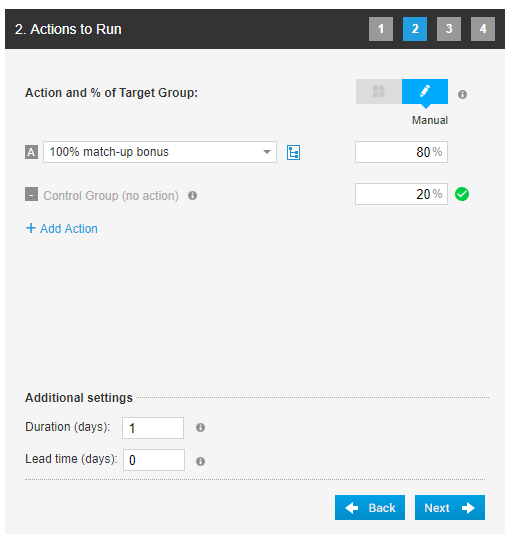
Automatic Control Group Percentages for New Campaigns
It is very important that control groups are a representative sample of the overall population receiving each campaign. When the control group size is large enough, the process of random selection will always result in a control group that effectively represents the entire group.
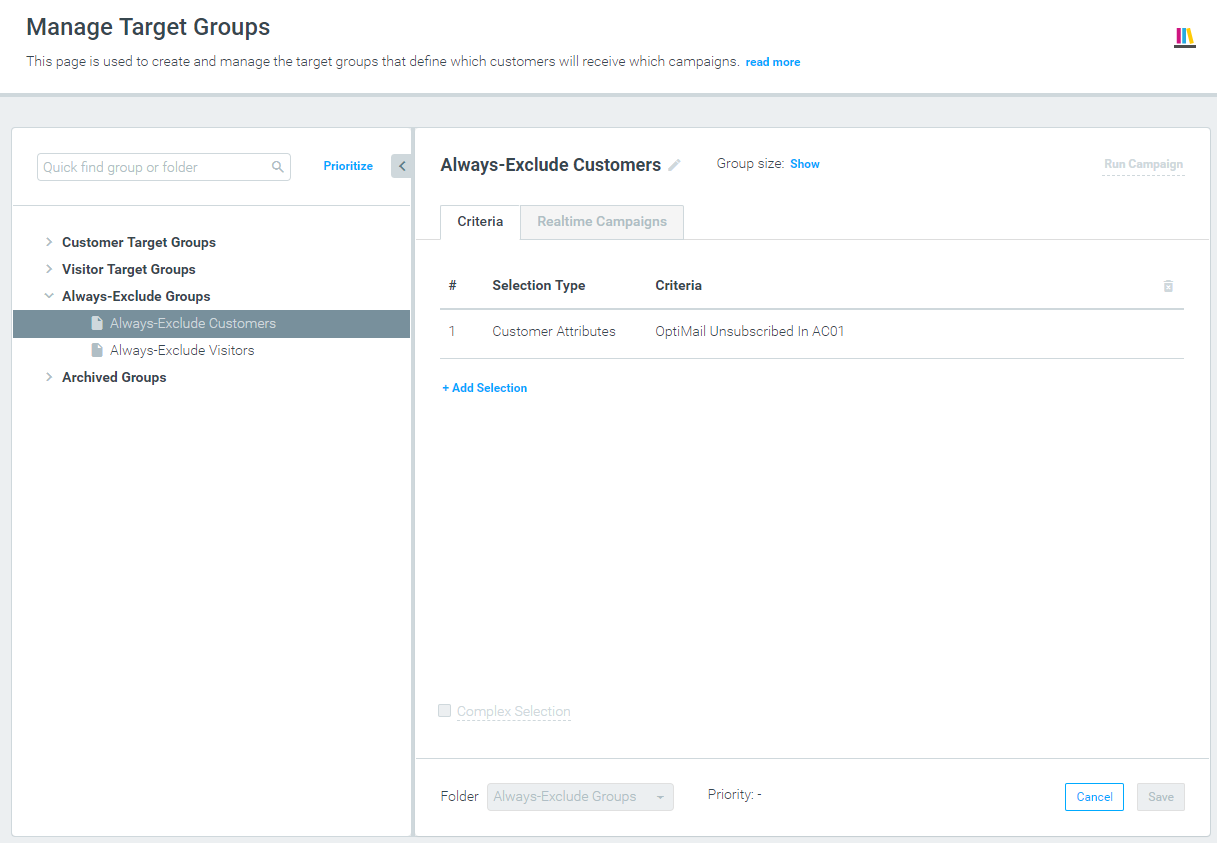
Always-Exclude Target Groups
You can now define groups of customers/visitors that will always be excluded from the entire marketing plan and will never receive any campaign. This is useful in many scenarios where you know in advance about specific groups of customers/visitors that you are not allowed to target or should be excluded from all marketing actions.
Auto-Archive Target Groups
Optimove will now automatically archive target groups that have not been recently used, in order to assist with decluttering your target groups list.
Edit Target Group Priorities Manually While Filtered
In the Target Group Priority view, you can now manually edit the priorities of target groups while a filter is applied to the list, or while the list is filtered to show a specific folder.
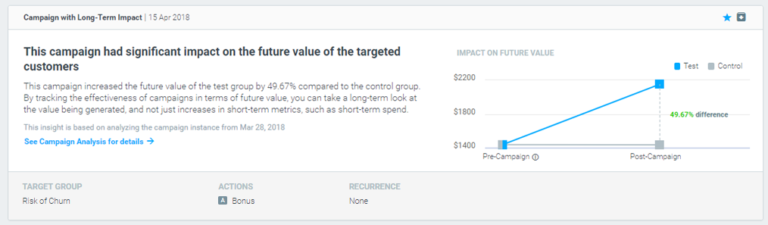
New Optibot Insight – Campaigns with Long-Term Impact
A new type of Optibot insight is now available, highlighting campaigns that significantly impacted the Future Value of the targeted customers, as compared with the control group.
OptiMail
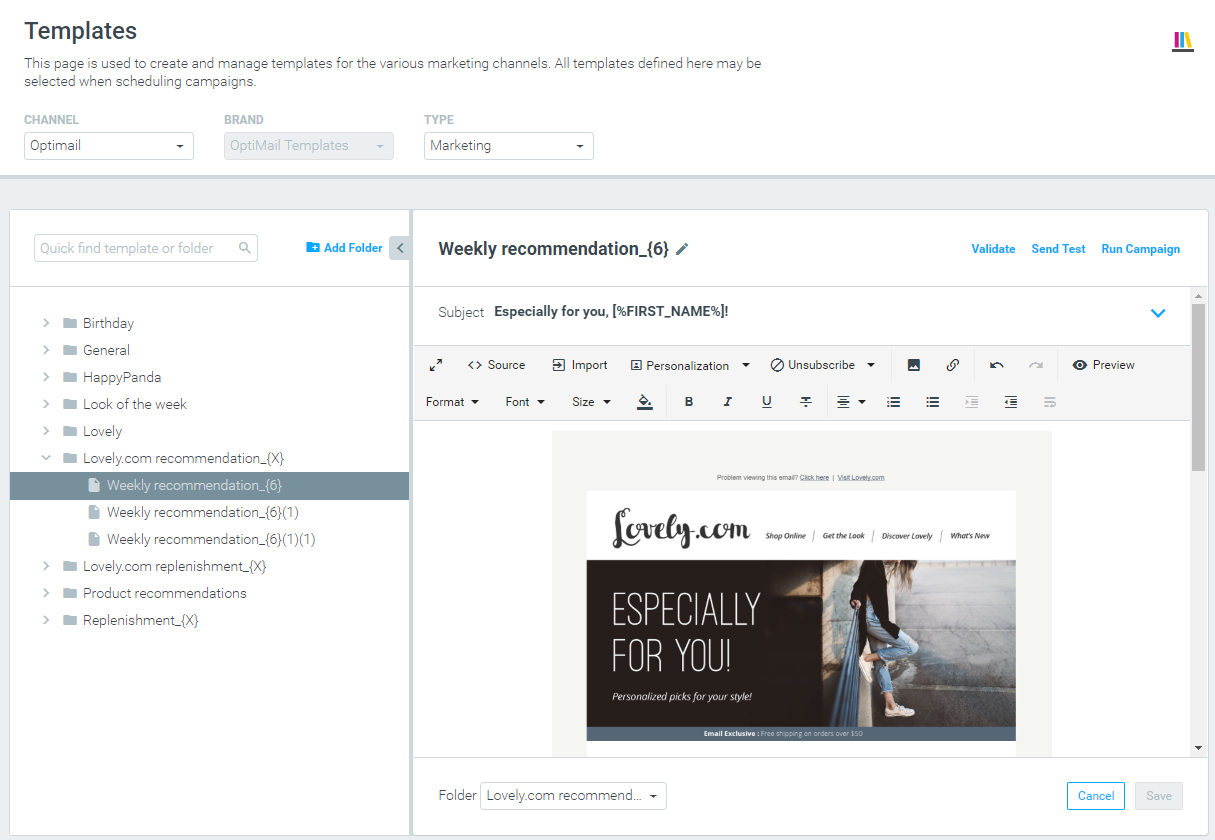
New Manage Templates Page
The Manage Templates page has been redesigned and now includes the following new functionality: The channel, brand, and template type filters are located at the top of the page (when relevant).
Template Validation for Optimove Channels
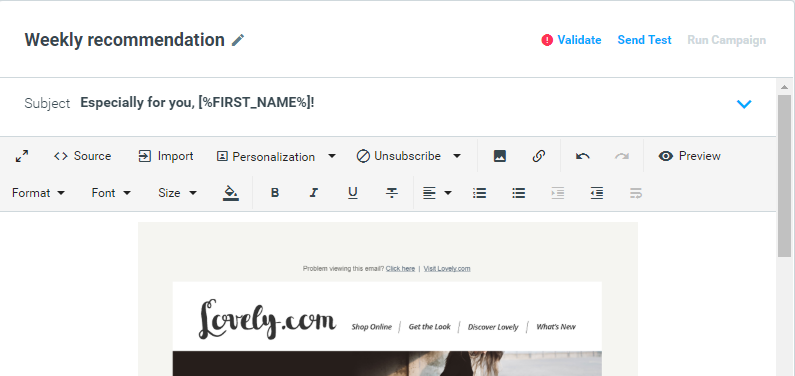
All Optimove channels (OptiMail, Optipush, and the Webpage Pop-up channel for triggered campaigns) now include an option to validate templates and prevent invalid templates from being selected for campaigns.
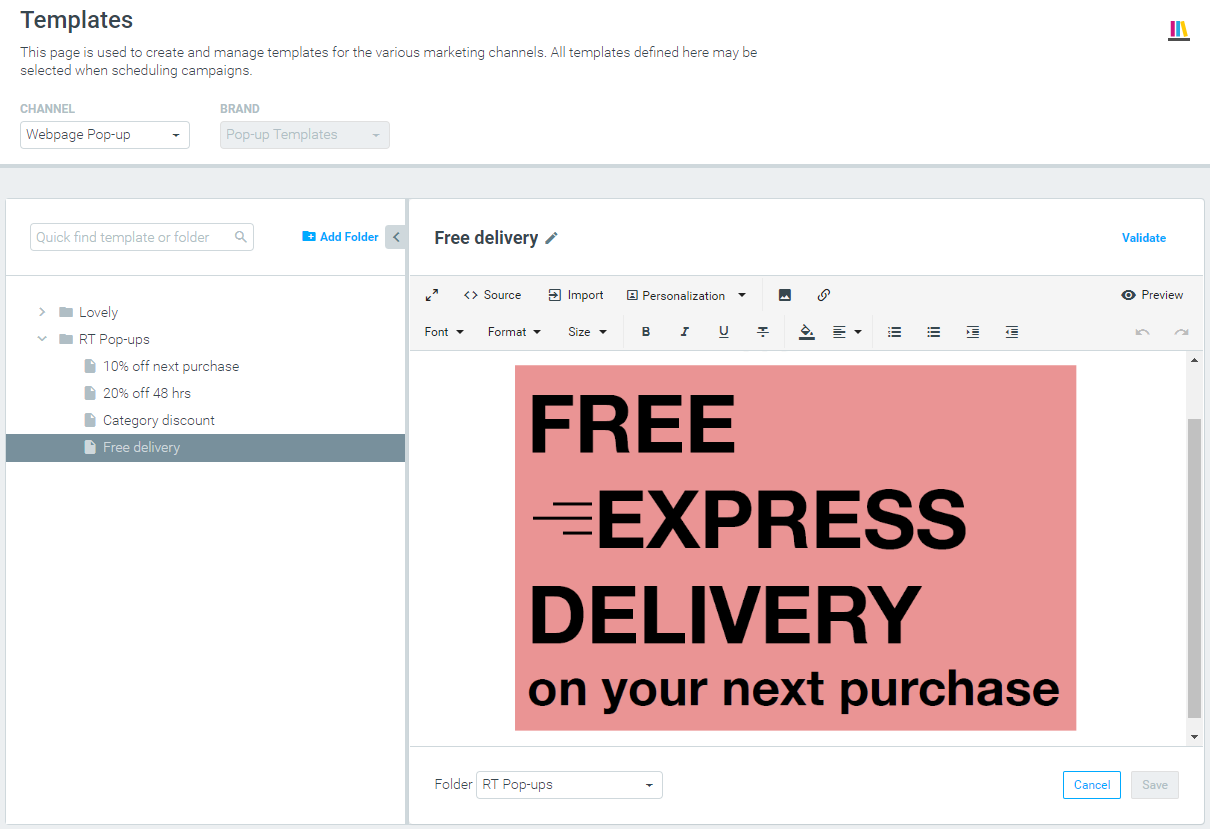
Template Editor for the Webpage Pop-up Channel
The triggered-campaigns channel Webpage Pop-up now includes a template editor in the Manage Templates page, where you can upload and edit HTML pop-up templates.
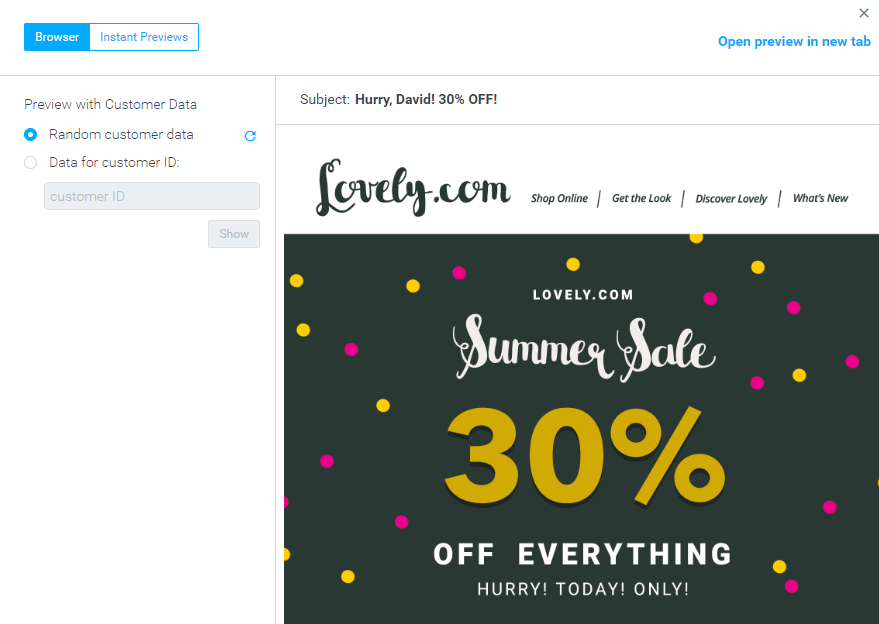
Preview and Test Email with Personalization Data
In the new Manage Templates page, the template preview and send test options now include customer/visitor personalization data, either from a specific customer or random data. Any personalization tag or conditional clause included in the template will be rendered using the data available for the selected customer, and the result is a sample version of the template, as that specific recipient will see it.
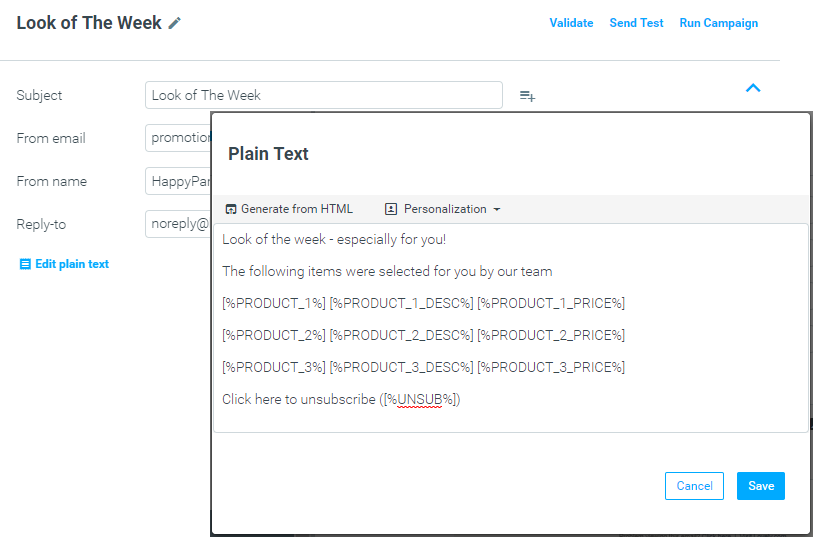
Automatic Plain Text Generation
Plain text is now generated automatically for all new Optimail templates. Every change made to the HTML version of the template will be automatically applied to the plain-text version of the template when the template is saved.
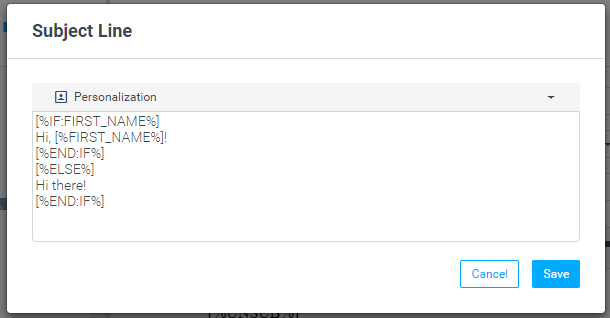
Content Customization Using Conditional Clauses
The ability to customize Optimail templates using IF/THEN/ELSE clauses was made available in the previous version. This version adds two new features:

Multiple Product Recommendation Algorithms
You can configure Optimove to work with multiple product recommendation algorithms to find alternative sets of recommendations. You can use Optimail (or the Optimove API) to send different recommendation campaigns, each using different logic. Contact your CSM for additional information.