
By creating personalized mobile messaging campaigns based on Optimove’s powerful Target Groups, you can customize the content of your mobile messages sent via Mobile using “Personalization Tags.” These tags allow you to create templates that change dynamically for each recipient.
Please note:
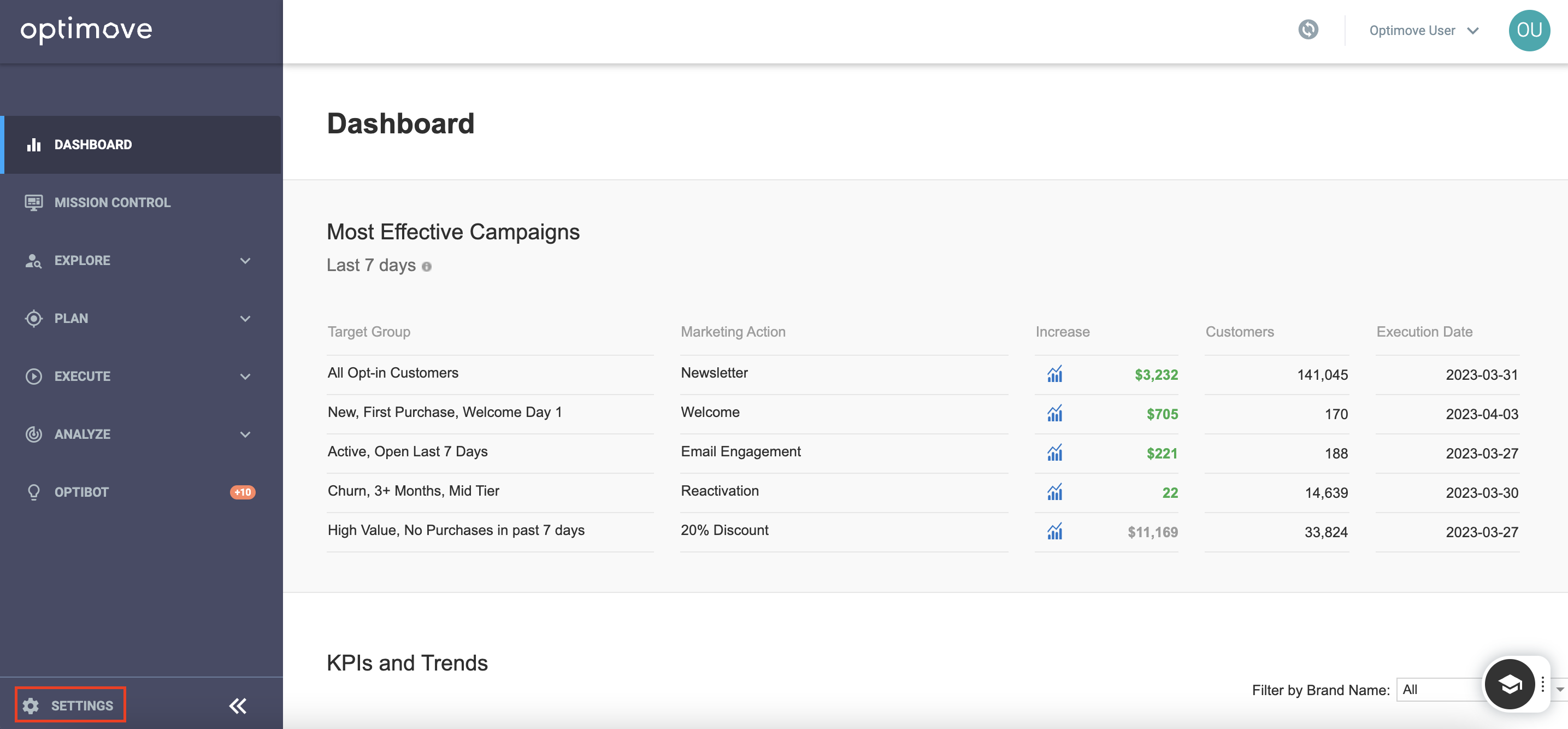
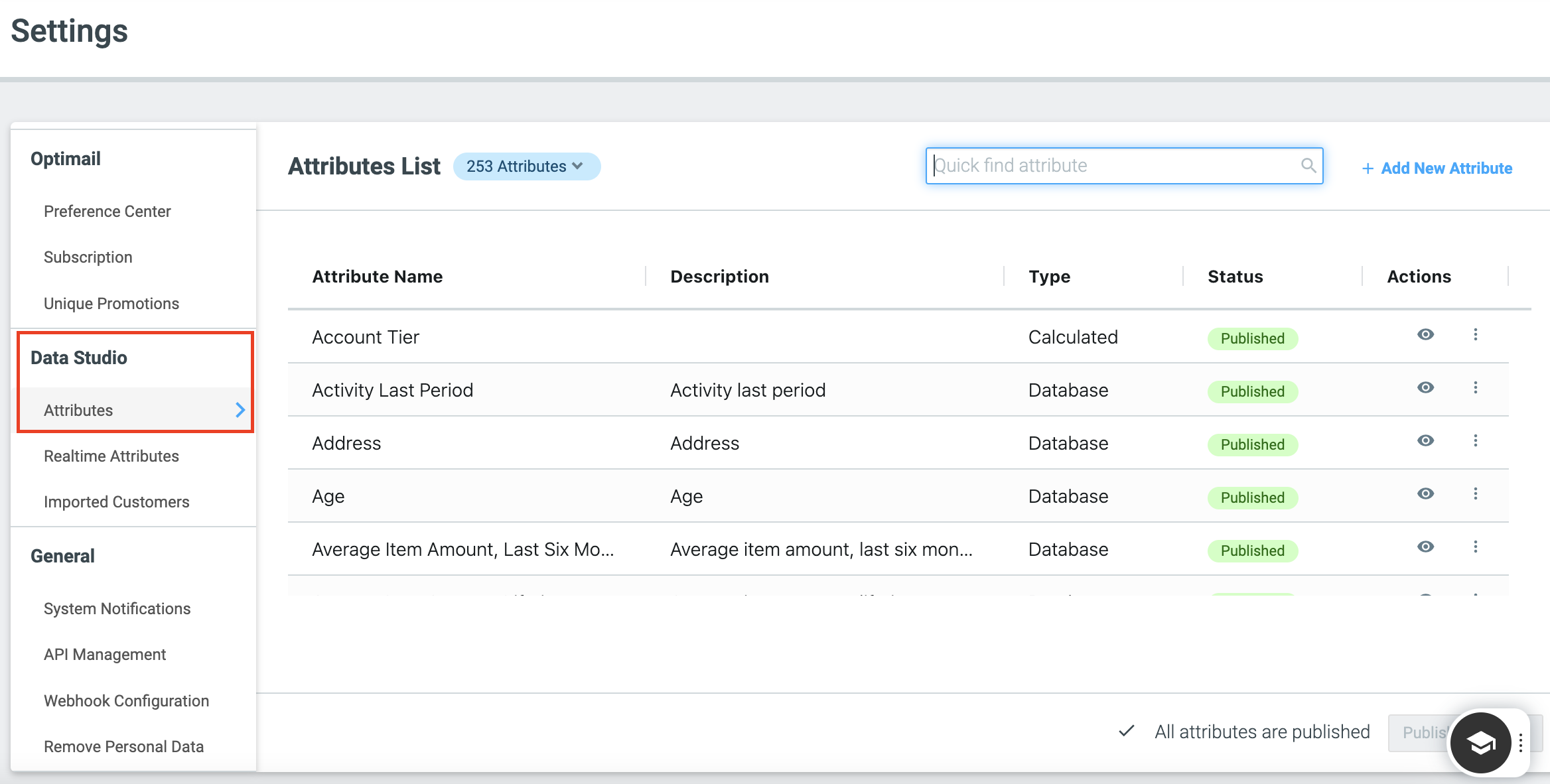
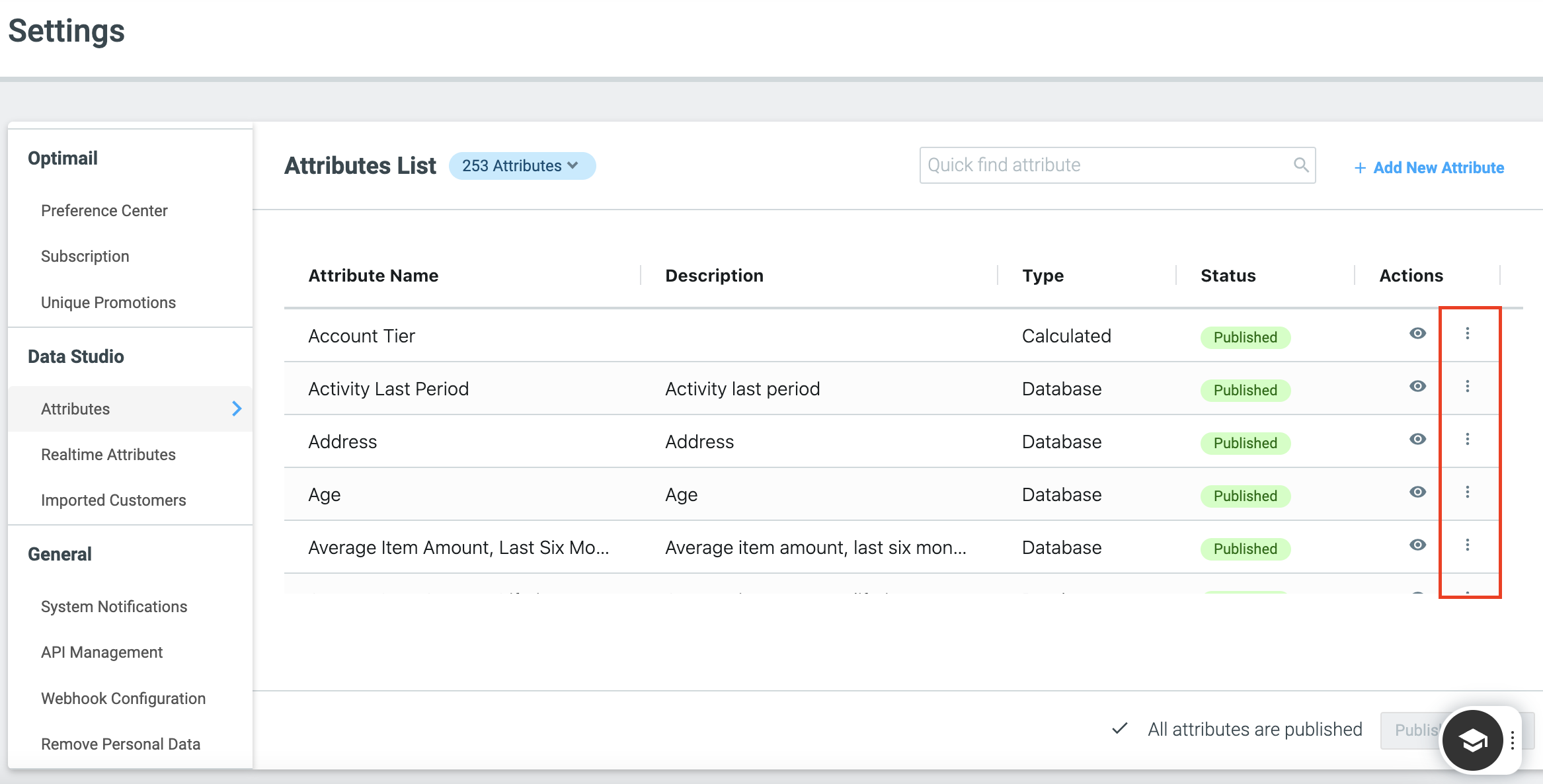
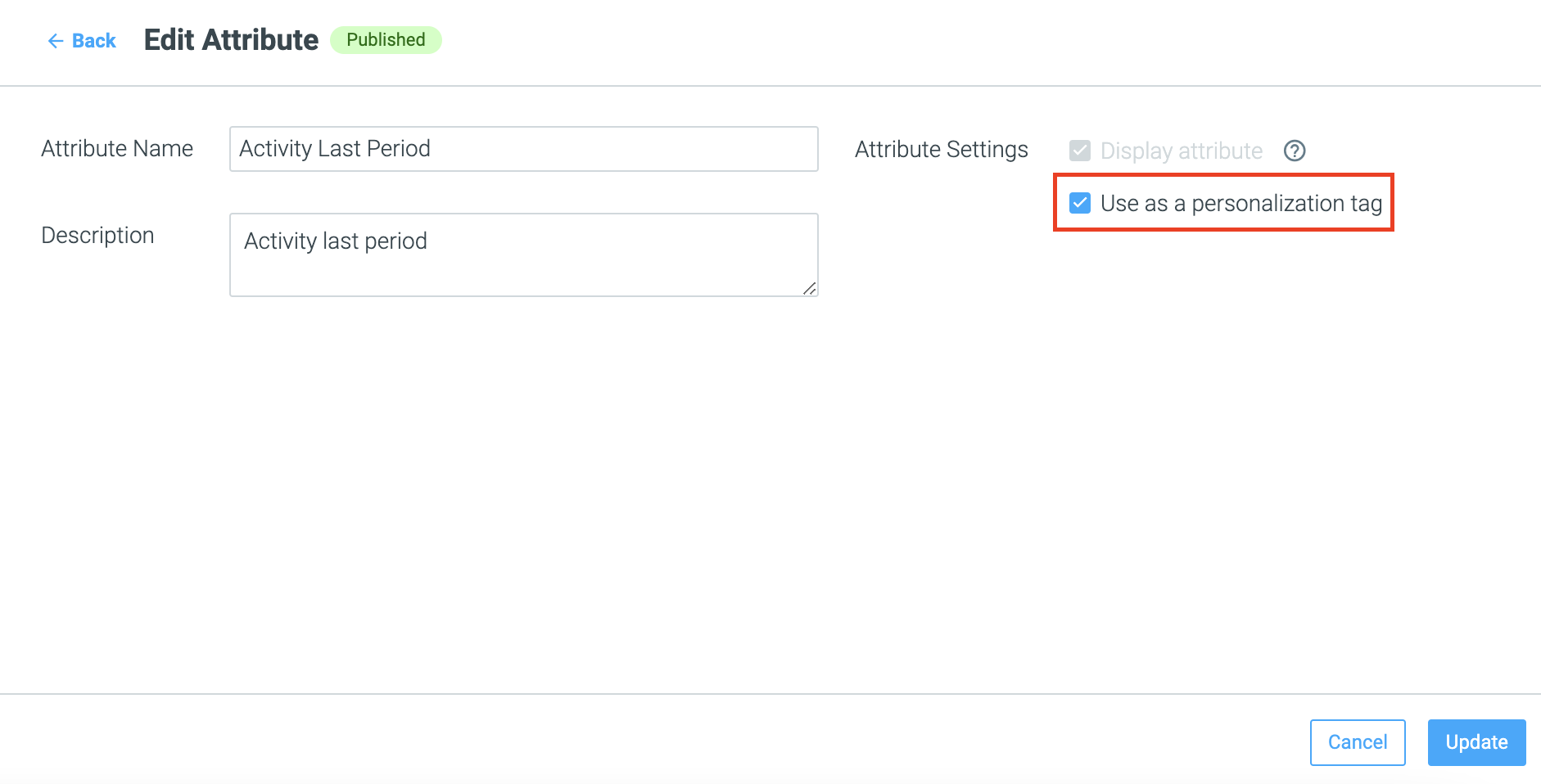
Preparing to Use Mobile Personalization Tags
Personalizing Your Template
Syntax
You cannot check the data behind the personalization tag in the Preview. You can view the data behind your Customer Attributes in the Customer Explorer.
Customer Attributes Personalization Tags
{{user.CUSTOMER_ATTRIBUTE}}For example, {{ user.EMAIL }}
General Personalization Tags
Including: CAMPAIGN_ID, ACTION_NAME, PROMO, TEMPLATE_ID, TEMPLATE_NAME
{{general.XYZ}}For example, {{ general.TEMPLATE_NAME }}
Real-time Events Personalization Tags
{{event.event_key.parameter_Key}}For example, {{ event.set_page_visit.customURL }}
Additional Notes
- You cannot check the data behind the personalization tag in the Preview. You can view the data behind your Customer Attributes in the Customer Explorer.
- Event tags are currently not supported in the tags module, but can be used as a simple syntax added directly to the editor.
-
For push notification templates, we support Personalization Tags in both the "Open URL" field and "JSON" fields,