Please note:
To unlock this capability, you will need to have added Deferred Deep Linking to your Optimove package. If you can’t see this feature in your Optimove instance, contact your CSM to find out more.
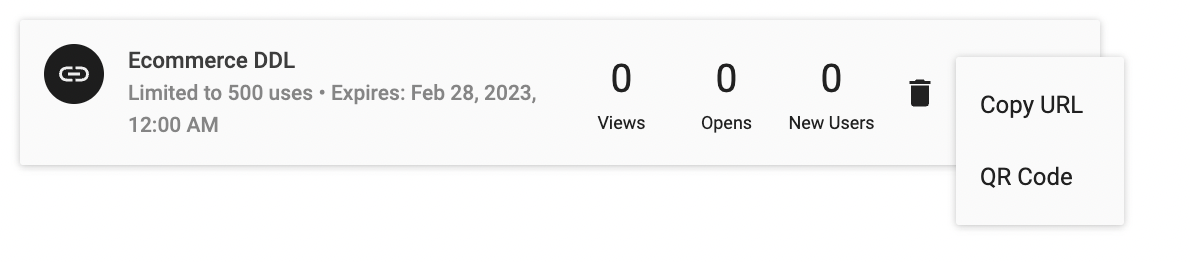
To use share your Deferred Deep Link, you have 2 options:
- Copy your Deferred Deep Link to the clipboard
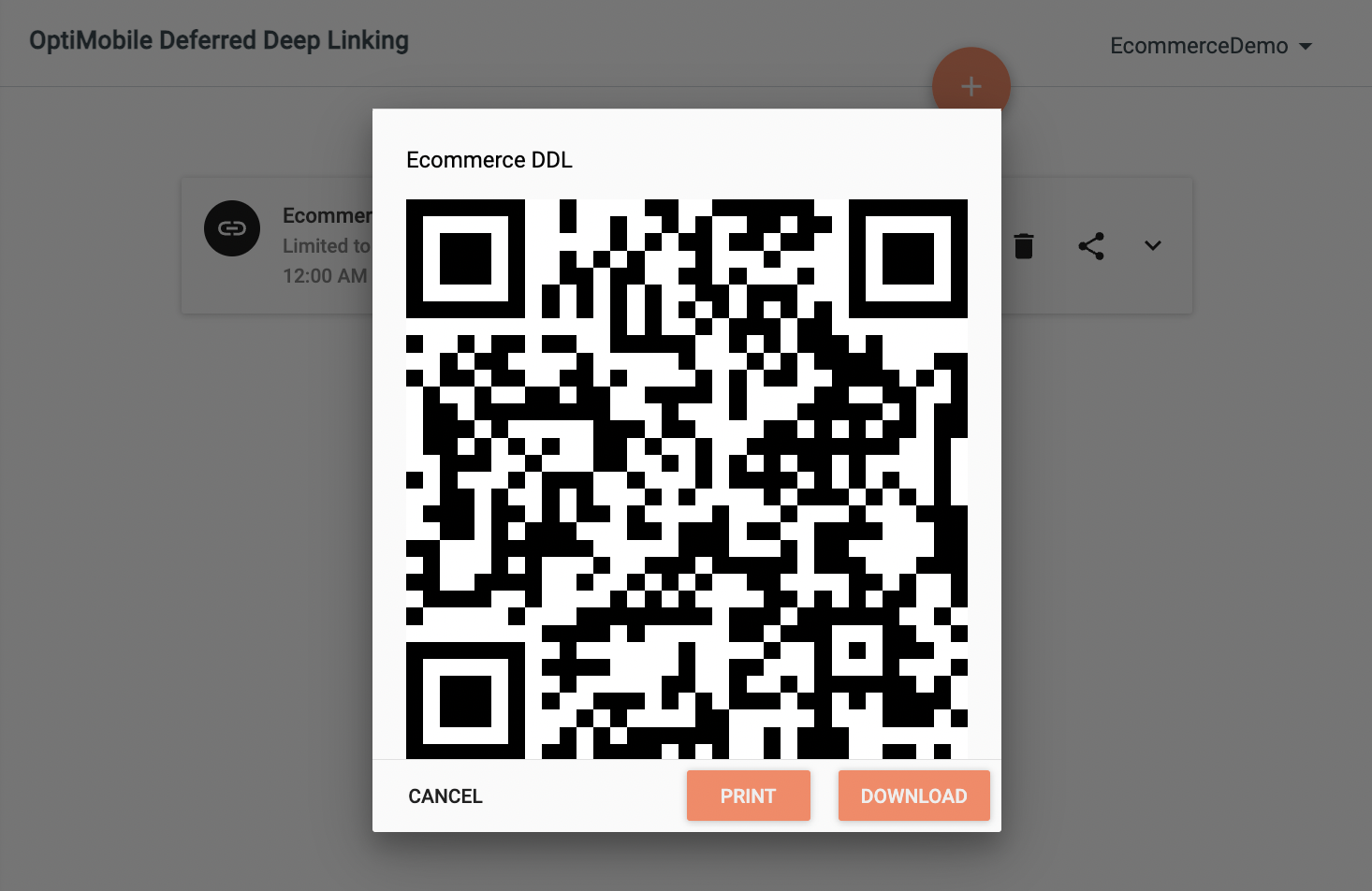
- Download a QR Code with your Deferred Deep Link embedded
Navigate to the Settings area of your site and scroll down until you reach the Deferred Deep Linking section and select Deep Links.
Copy Link to Clipboard
Click the share icon to copy your newly created link to the clipboard for use in OptiMail, mobile, web, SMS, or social campaigns.
Link Shortening / Click-Tracking services:
We do not recommend using third-party link shortening or click-tracking services with Deferred Deep Links. These services generate a new, shortened, or trackable link on a different domain, which then redirects to the original Deferred Deep Link. This process may cause Android or iOS (for instance, when Chrome is the default browser instead of Safari) to open the link in a browser instead of the mobile app, even if the app is installed.
Using Deferred Deep Links with OptiMail:
Building on the previous point, if you plan to distribute Deferred Deep Links via OptiMail, you will need to disable click tracking for the link when adding it to your template. To do so, include the
clicktracking=off attribute within the anchor tag before the href. For example:<a clicktracking=off href="https://lovely.lnk.click/special-offer">Special
Offer</a>QR Code
Alternatively, you can download or print a QR Code with your newly created link embedded. This can be helpful for OOH advertising or in your physical stores.