
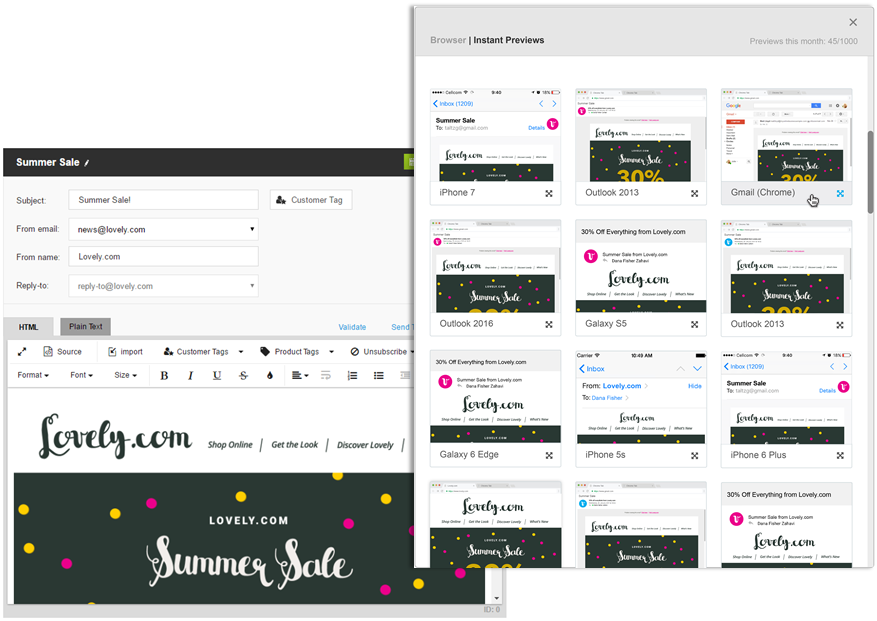
When building email templates in OptiMail, it is important to verify that your templates will appear as intended in each recipient’s email client. Since email templates are sometimes rendered differently in different email clients, OptiMail includes an Instant Previews feature that shows you an accurate rendering of how your template will appear in various email clients.
It is strongly recommended to check every template using Instant Previews before sending campaigns to customers.
Using OptiMail Instant Previews
- For each OptiMail template you create, use the Instant Previews option in the Preview dialog to see how the template renders on all selected clients.
- A thumbnail preview is shown for each email client. To see a larger version of the preview for a particular email client, click its thumbnail.