
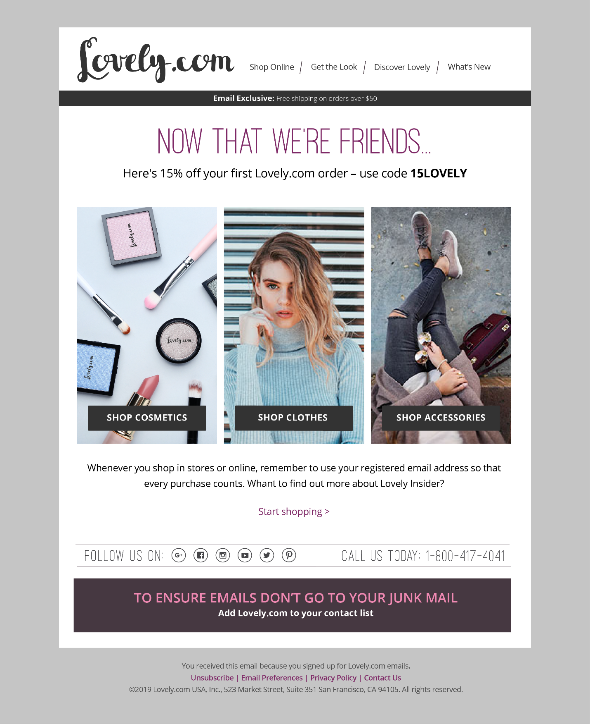
Email is Optimove's native ESP channel. When Email is selected as the execution channel for a triggered campaign, the specified message will be sent immediately when the trigger scenario defined for the campaign occurs.
Mobile Push
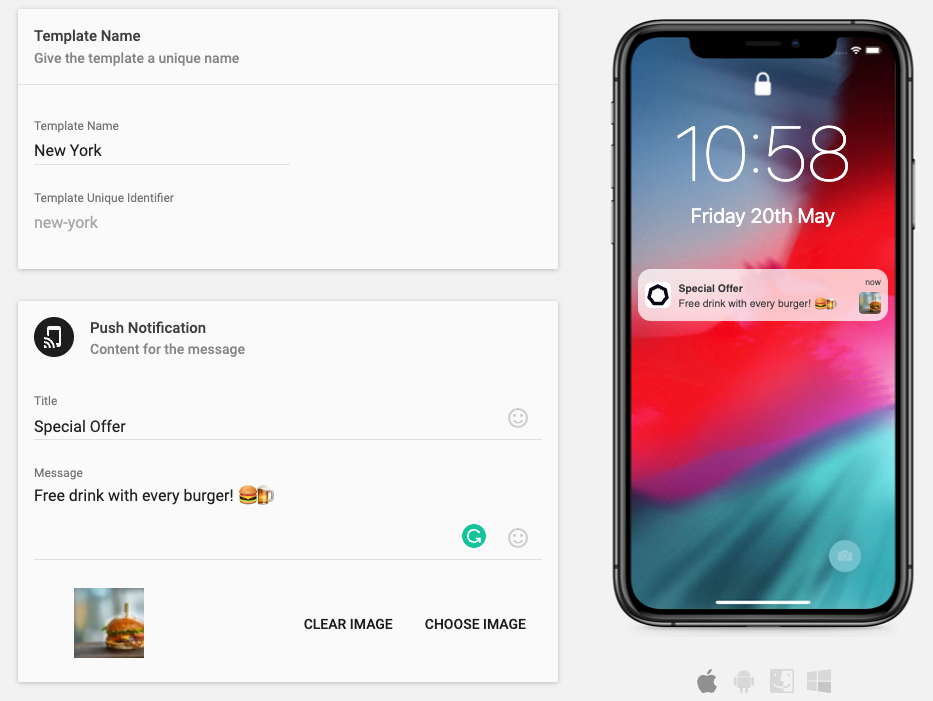
Optimove's native Mobile Push solution comes with Real-Time Triggers pre-integrated. This means that you can trigger messages in real-time based on an individual's activity within the mobile app. This can be to send a message at that time, or store this information and use it to enrich the understanding of the user and send them a relevant offer in a future scheduled campaign. Not only can you personalize the timing of the message being sent, but you can also personalize the message itself with relevant information.
Mobile In-App
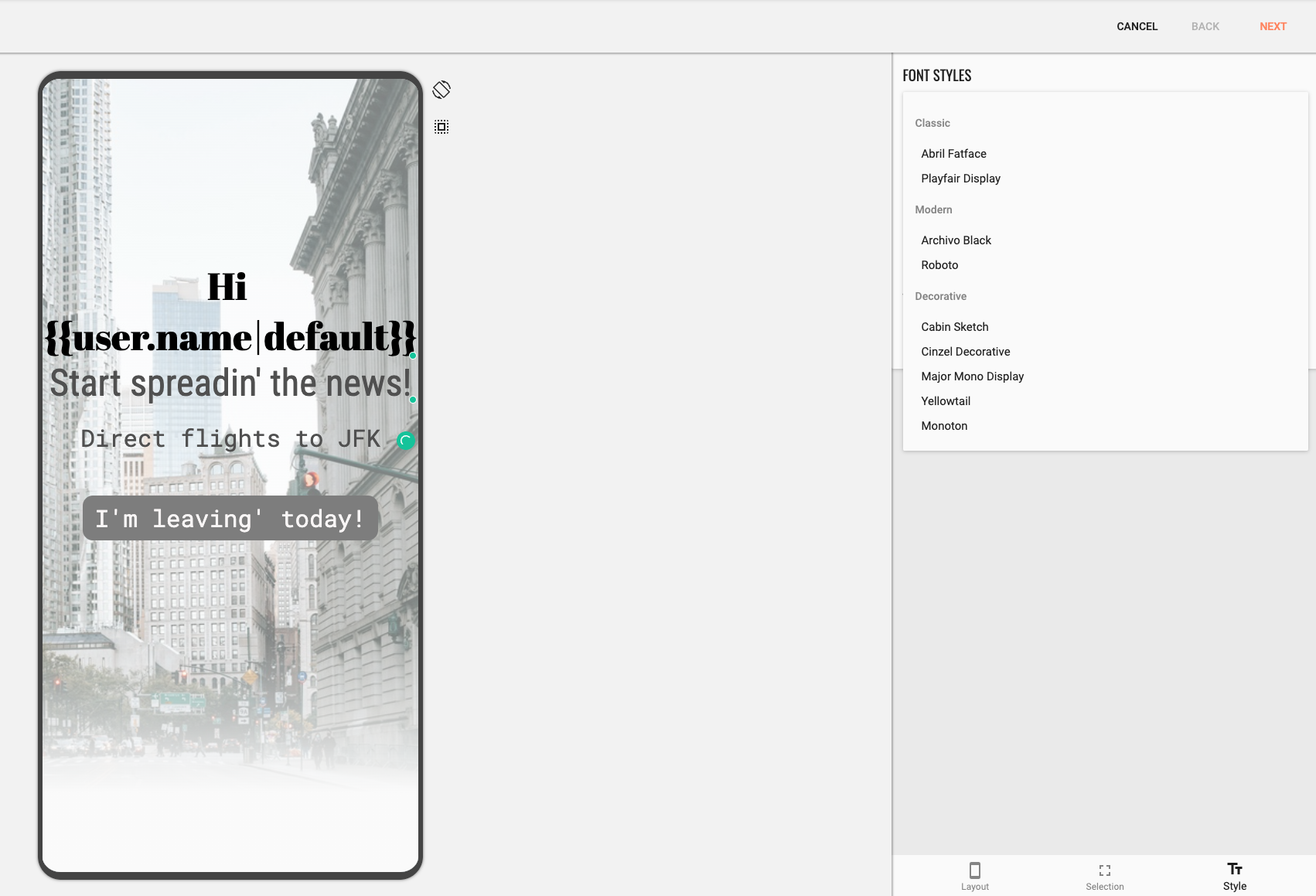
Optimove's native Mobile In-App solution uses Real-Time Triggers to automate when messages should appear in your users' mobile app. This can be personalized both in terms of when a message should appear, and what the message should say. These rich media messages can be fully customized to fit your brand and can contain videos, images, action buttons, and more.
Mobile App Inbox
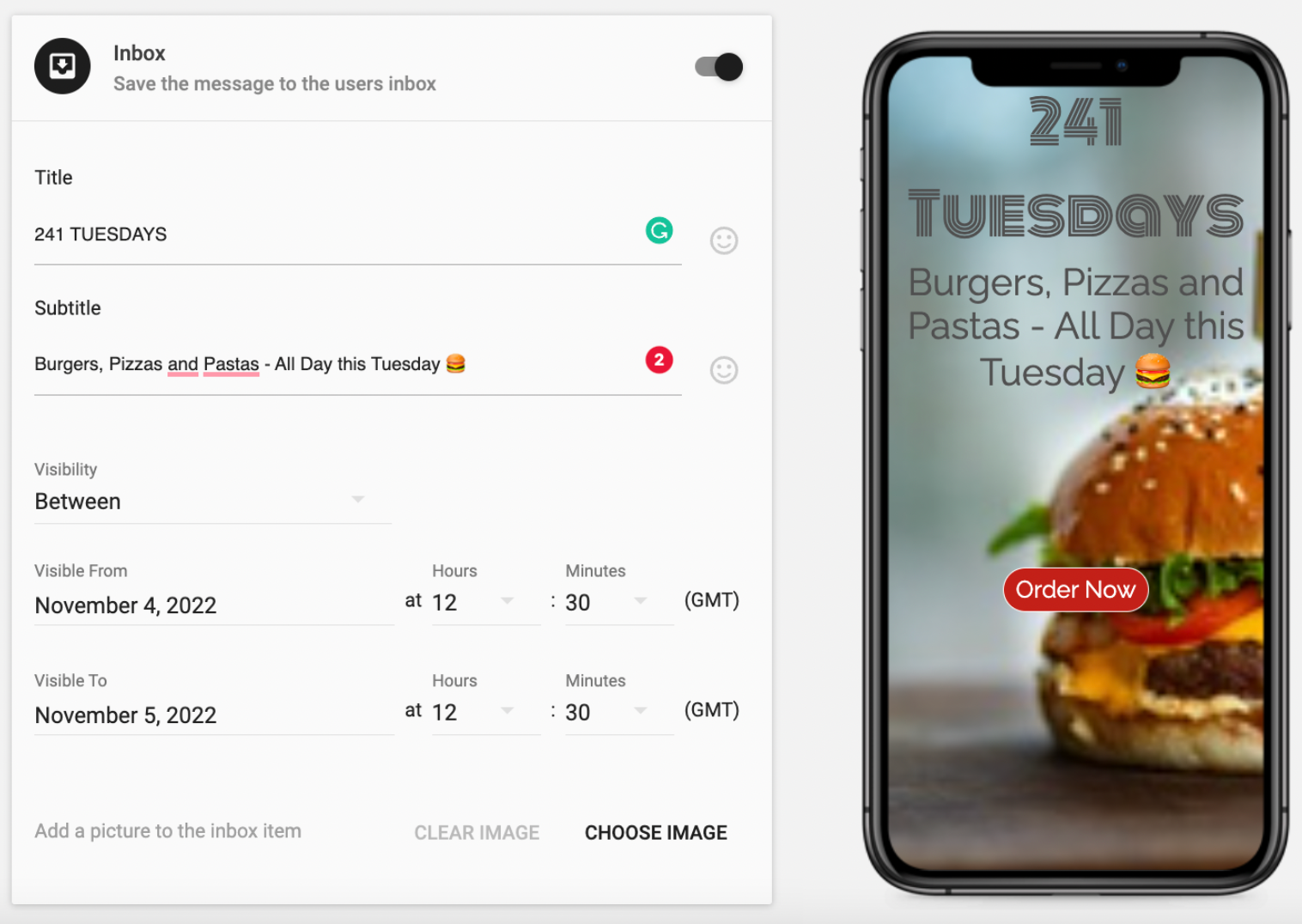
Optimove's native In Box feature lets you store rich media messages in a mobile app inbox based on the specific personalized behavior of app users. So, when a user triggers an event within the app, rather than presenting a message within the app itself, you can instead add a message to their inbox. Think of it as a reward offered for a future discount triggered by an earlier purchase in the app.
Web Push
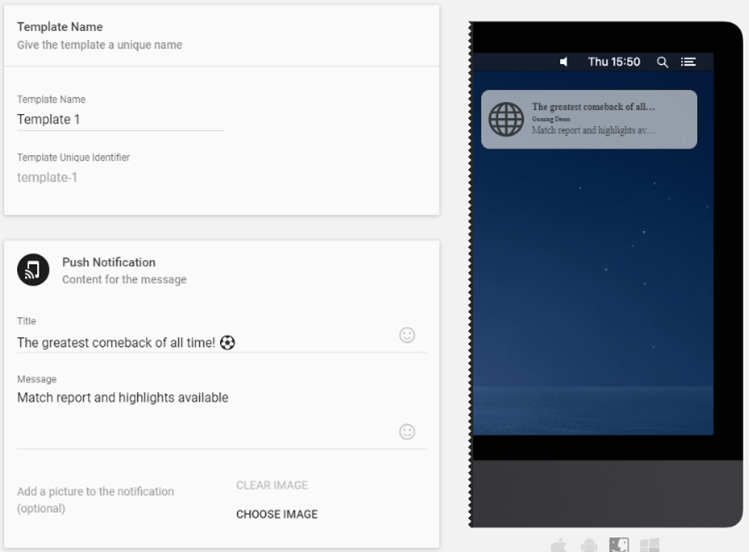
Optimove's native Web Push solution uses Real-Time Triggers to understand an individual's journey through your website. You can then use this information to trigger specific personalized messages to them, in real-time. These could be transactional messages, such as your Bet has been successfully placed, or marketing messages like offering enhanced odds on a sport that you know, from past activity this person is interested in.
Webpage Pop-up
Displaying a personalized and timely webpage pop-up to a customer is a very effective way to influence customer behavior. To serve a webpage pop-up in response to the activated trigger of a triggered campaign, select Webpage Pop-up as the execution channel when setting up the campaign.
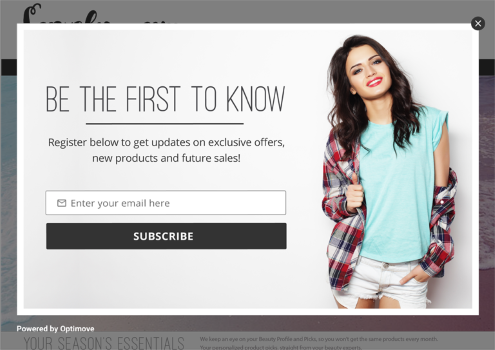
- Optimove will automatically handle the execution and display of the pop-up on your website as part of the Web SDK integration. For detailed information on how to implement this option, click here.
- Optimove returns the pop-up HTML for your code to display according to your own popup/banner functionality. For detailed information on how to implement this option, click here.
Important notes:
- Webpage pop-ups cannot be triggered by server-side events.
- Webpage pop-ups are not supported as an execution channel of an uncompleted sequences event such as an abandoned cart or incomplete registration.
- Webpage pop-ups are not supported as an execution channel for triggered campaigns that use Conditional Execution. Some clients have attempted this configuration, but it is not a supported pairing.
Web Inbox
Optimove's Web Inbox solution enables you to deliver personalized, dynamic messages directly to your website users. This versatile channel supports engaging multimedia content, tailored offers, and real-time updates while providing robust customization options. You can style the Inbox launcher and components to match your brand, track read/unread statuses, set message expirations, and apply personalization tags for highly relevant and impactful communication. Performance metrics, including delivery, opens, and clicks, offer actionable insights to continuously optimize your campaigns.
Implementation Options
- Out of the Box (OOTB): Install the Web SDK, customize the Inbox launcher and components with CSS, create message templates using the editor, and launch your campaigns seamlessly.
- Do It Yourself (DIY): Design and define custom Inbox components, and leverage Optimove APIs to fetch, update, and track messages according to your needs.
- Hybrid: Combine the best of OOTB and DIY approaches. For example, integrate Optimove's Inbox component with a custom launcher or call APIs for specific use cases.
Learn how to create a Web Inbox template here.
API
When using Optimove's API as a campaign's execution channel, Optimove sends a notification to a listener running on your server whenever a campaign has been triggered. In order to use this method, you will need to deploy one or more listeners and register them via the Optimove API function, RegisterEventListener.