
Personalization Tags
Personalization tags are placeholders that you insert into templates used by Optimove’s triggered channels (Optimail, Webpage Popup, and Triggered API). When campaigns are delivered, the personalization tags are replaced with actual per-recipient values taken from the Optimove database.
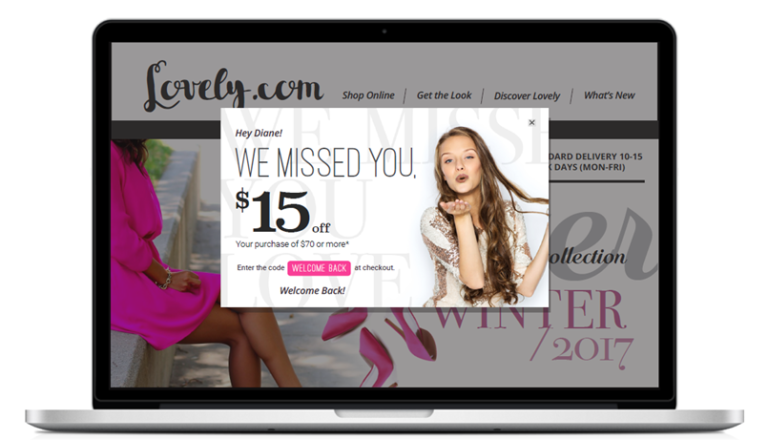
- Customer data tags – replaced with customer data taken from the Optimove database
- Visitor data tags – replaced with visitor data taken from the Optimove database
- Triggered event data tags – replaced with data delivered with real-time events
How to Insert Personalization Tags into Triggered Templates
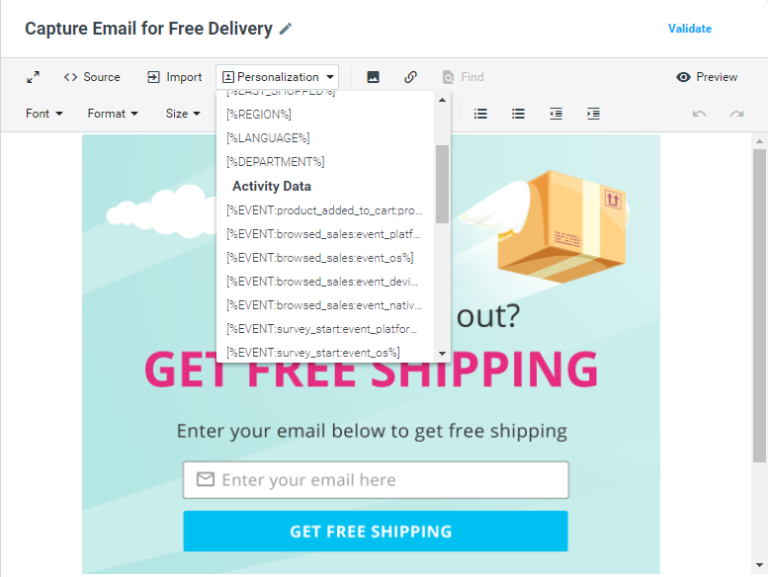
In the Template Editor, select a personalization tag from the Personalization dropdown. All available tags are shown within their relevant categories (Customer Data, Visitor Data, and Realtime Event Data). The selected tag will be inserted into the template body or subject line (depending on which Personalization dropdown was used).
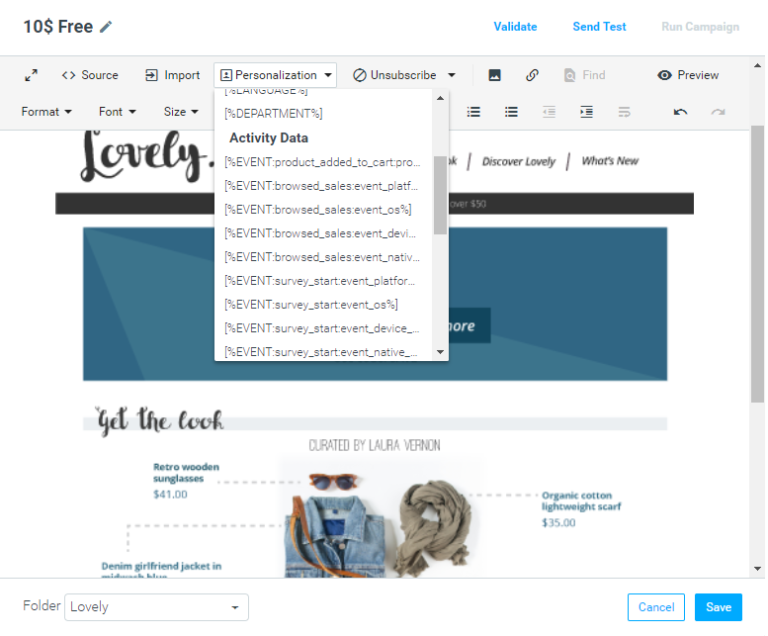
Using Personalization Tags in Webpage Popup Templates
All personalization tags available for Optimail templates are also available for use in Webpage Popup templates, from the Personalization dropdown.
Using Personalization Tags in Triggered API Channels
Because no templates are defined for API-generated campaigns, Optimove sends all available customer and triggered event tags (that are relevant for the executed trigger) as part of the API payload. The structure of the Triggered API payload (Event Type 11) can be seen here.