How to Identify a Possible Complex Target Group
Complex Target Groups are target groups that require a longer calculation time, which results in a delay in Optimove's daily campaign execution.
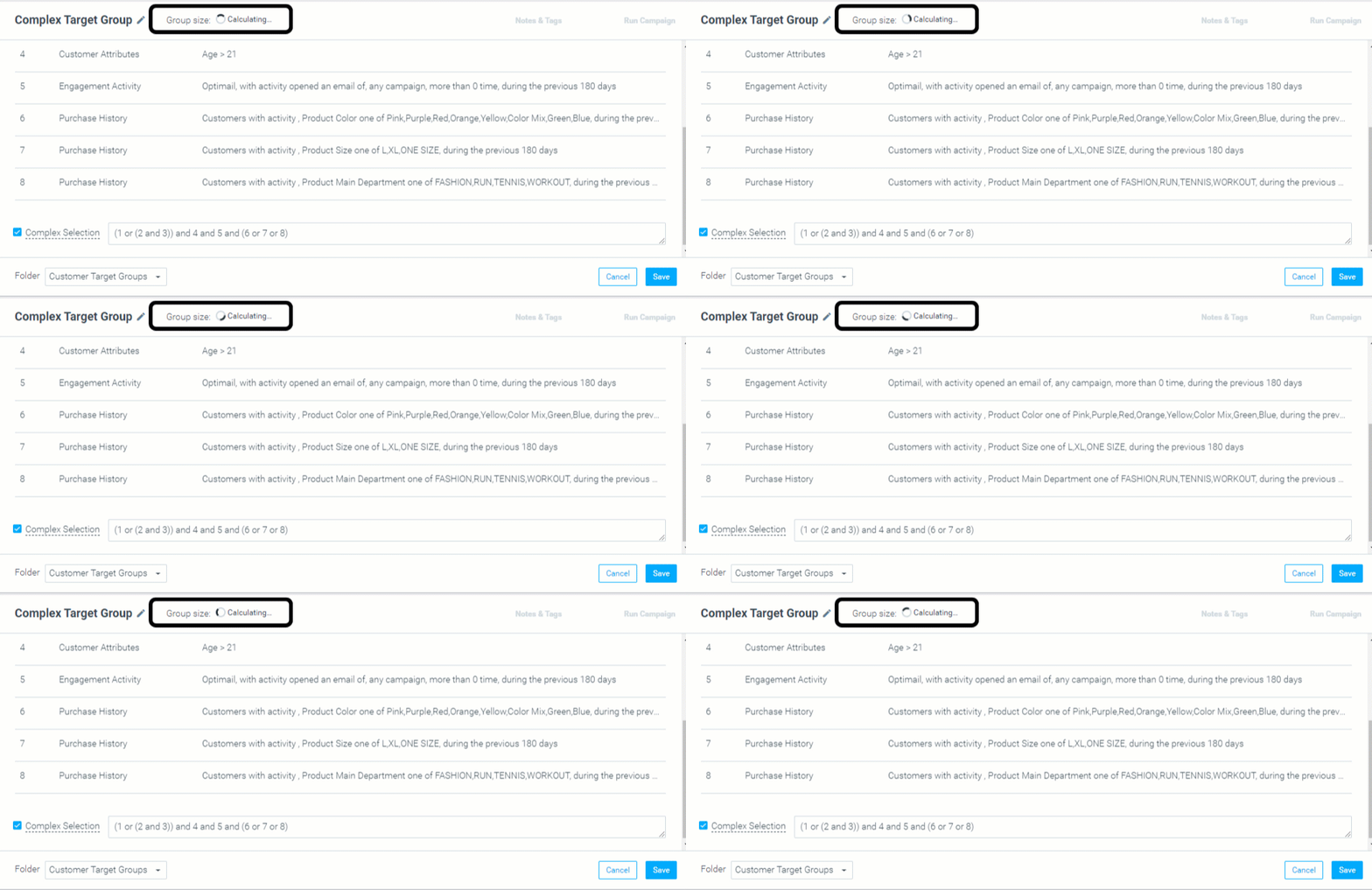
A simple way to identify a complex target group is to click the "Show Group Size" button while building the target group.
If the target group could cause a delay, the group size will not appear, even after a few minutes. If this is the case, here are a few ways to optimize your target group criteria at a glance:
- Limit timeframes to a maximum of 30 days.
- Minimize the use of multiple OR conditions.
- Choose less than 30 elements in Campaign History, Activity History, or Engagement Activity criteria.
- Use Lifecycle criteria in your target groups.
These guidelines address the most common causes. Keep reading for more detailed solutions.
How to Simplify Target Groups with Long Timeframes
Optimove's daily campaign execution calculations could take longer when you set up target group conditions that use long timeframes, such as six months or one year.
As your customers' preferences often change, sometimes daily, taking into account their actions from the last six months is occasionally unnecessary. Thus, we recommend reducing the timeframe to the previous seven days or the previous 30 days:
and avoid using "previous 365 days":
Three Additional Methods to Simplify Complex Target Groups with Long Timeframes:
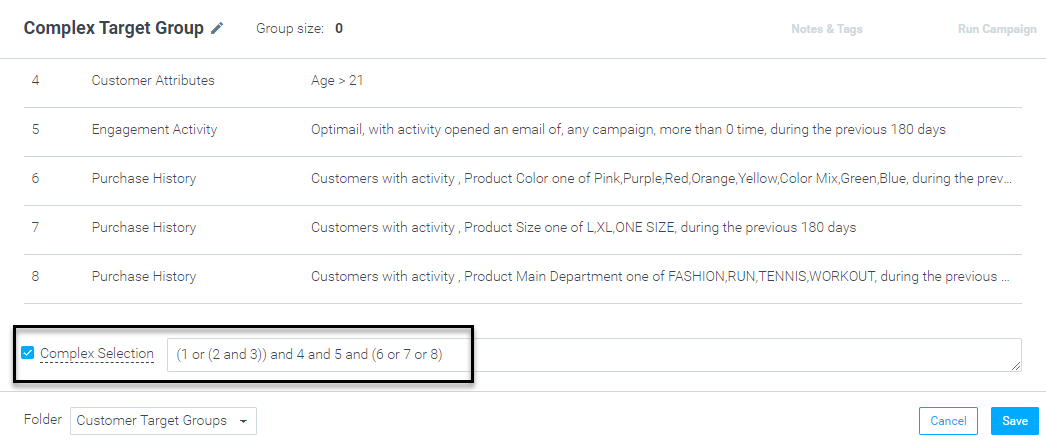
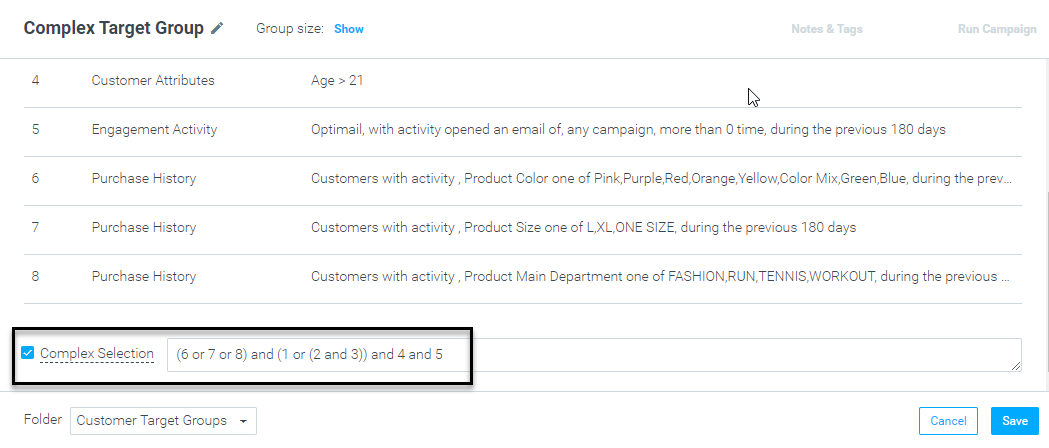
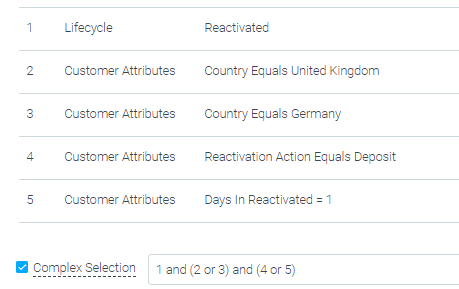
1. Re-Order Your Complex Expression
In the following example, we would change the complex expression from:
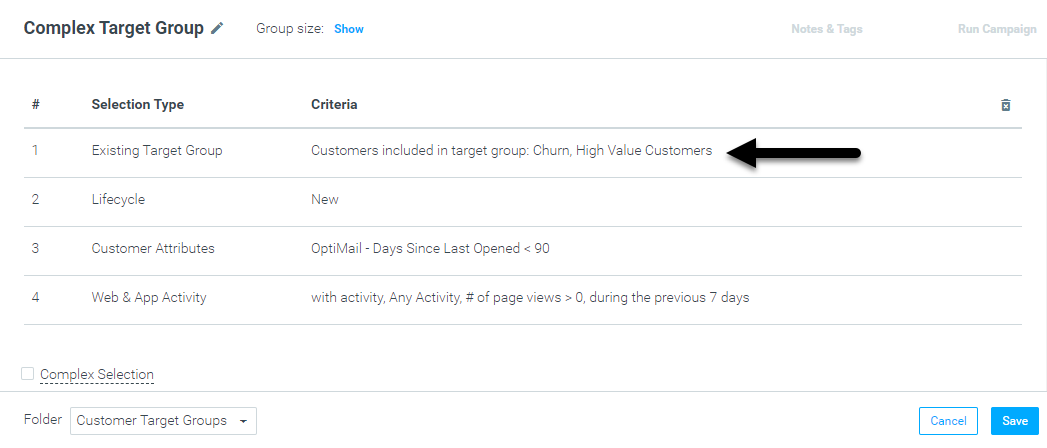
2. Existing Target Groups
Create a new target group containing only the Product History, Activity History, or Campaign History queries. You can then add all customers who fit the timeframe criteria to a new target group using the "existing target group" criterion:
3. Upload as CSV
Set up a new group for timeframe criteria that only includes the Product History/ Activity History/ Campaign History queries. Then, create this group in the Customer Explorer and click Generate (without saving it).
After that, scroll down in Customer Explorer, export it to a CSV file, save it as a CSV file, and only keep one column of CID's without headers.
Finally, upload the CSV file as a customer list to the original target group. Because this is a static list, it will significantly improve the calculation time for the target group.
How to Simplify Target Groups With Several "OR" Conditions
Target groups with multiple OR conditions tend to be too complex and can increase calculation time.
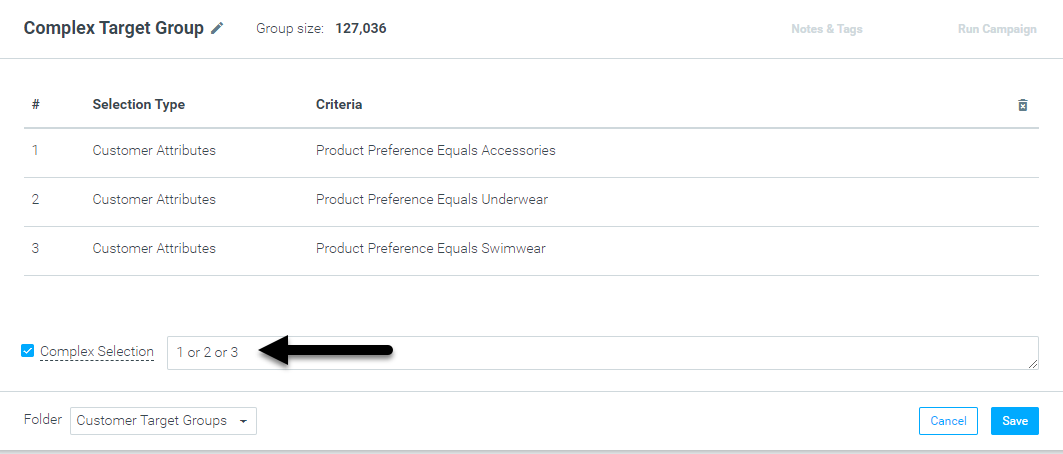
The following example illustrates a target group that may take a significant amount of time to calculate:
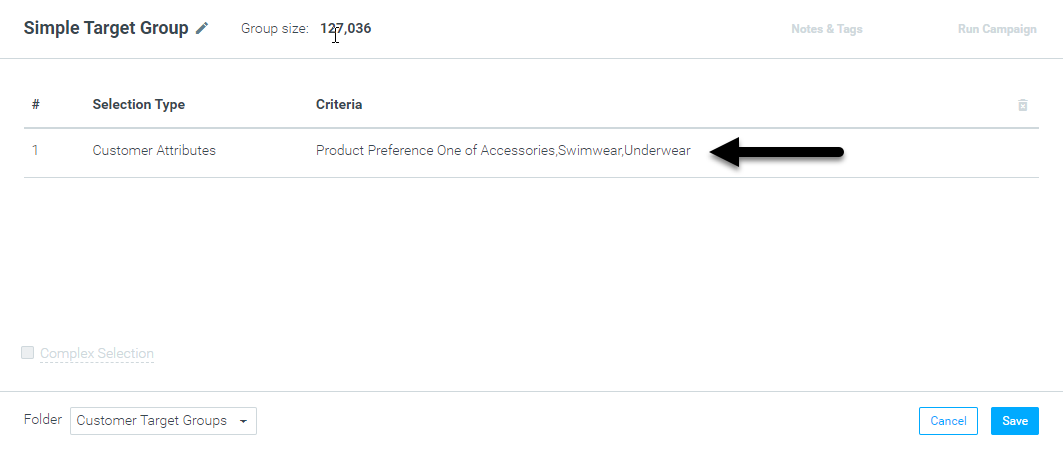
The Bayesian Monte Carlo Method that Optimove uses for statistical purposes does not "believe" in OR conditions and uses only AND conditions as a best practice. We are aware that OR conditions will sometimes be crucial for target group criteria to be accurate. If this is the case, use the "one of" feature. As a result, all the "OR" statements will merge into one. In the example below:
we suggest setting up the following:
How to Simplify Target Groups With a High Number of Selected Elements
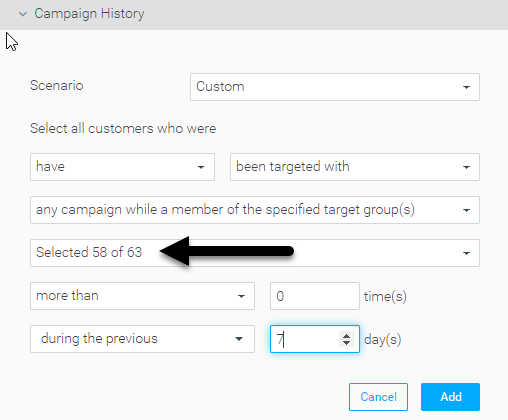
Choosing many values in Campaign History, Activity History, or Engagement Activity criteria will increase the complexity of the target group and, as a result, the target group calculation. We recommend selecting no more than 30 values in the drop-down menu.
To keep campaigns personalized and reduce complexity, you should choose single values in each target group that you build. An example of what we don't recommend is the following target group criteria:
Summary
Watch out for the above scenarios and tips, and be aware that additional factors can influence calculation time and campaign execution, such as Data Base size. Also, make sure you leverage the "Show Group Size" button and target group calculation complexity status to avoid any delay in your campaign execution.
For more information and assistance, contact your CSM.