
Inter-Stage Migration Report – Migration Explorer
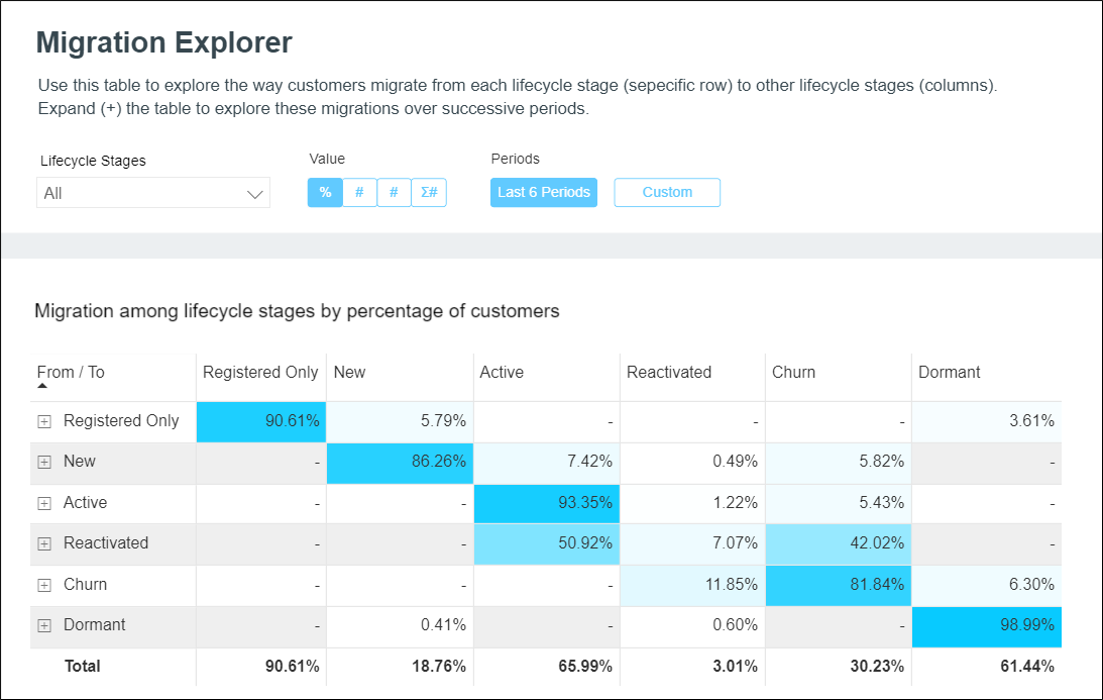
The Migration Explorer was built on the infrastructure of the Inter-Stage Migration report, using our BI platform and technology.
- You can now see a breakdown by the absolute number of customers and the overall value of migration (absolute number x average migration value, per customer)
- To make analysis and usage easier, additional visualization tools were added, including a Sankey chart next to the period trend line.
Optipush
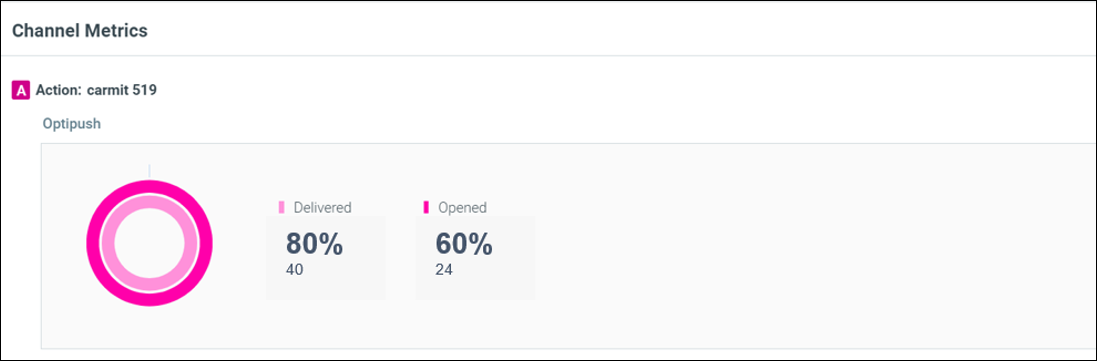
Campaign Analysis – Live Updates of Deliverability Metrics
Campaign analysis is now available on the day of execution for campaigns sent using Optipush. This allows you to view deliverability metric updates for Optipush, in real-time.
Flexible Screen Names and Parameters
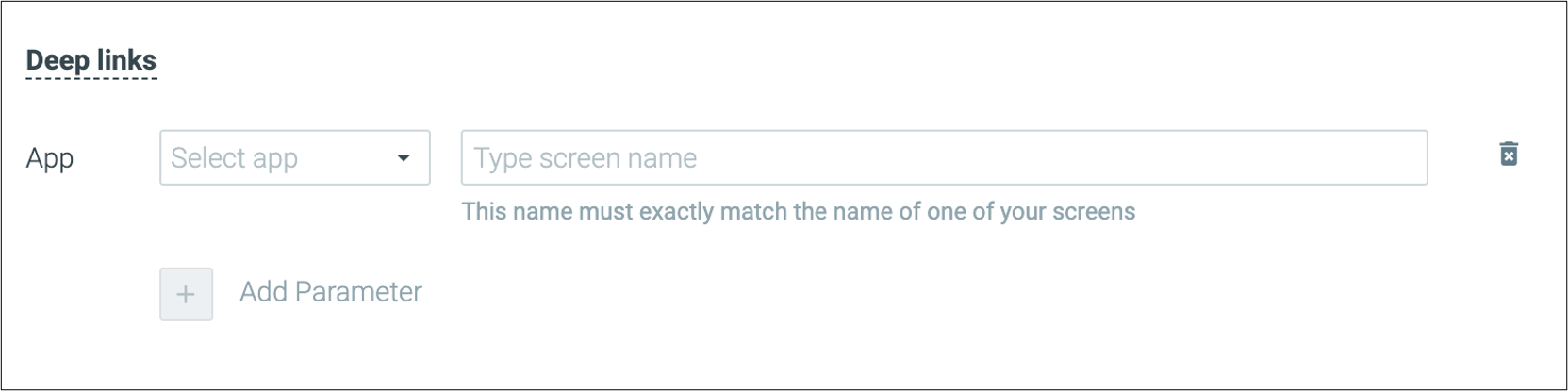
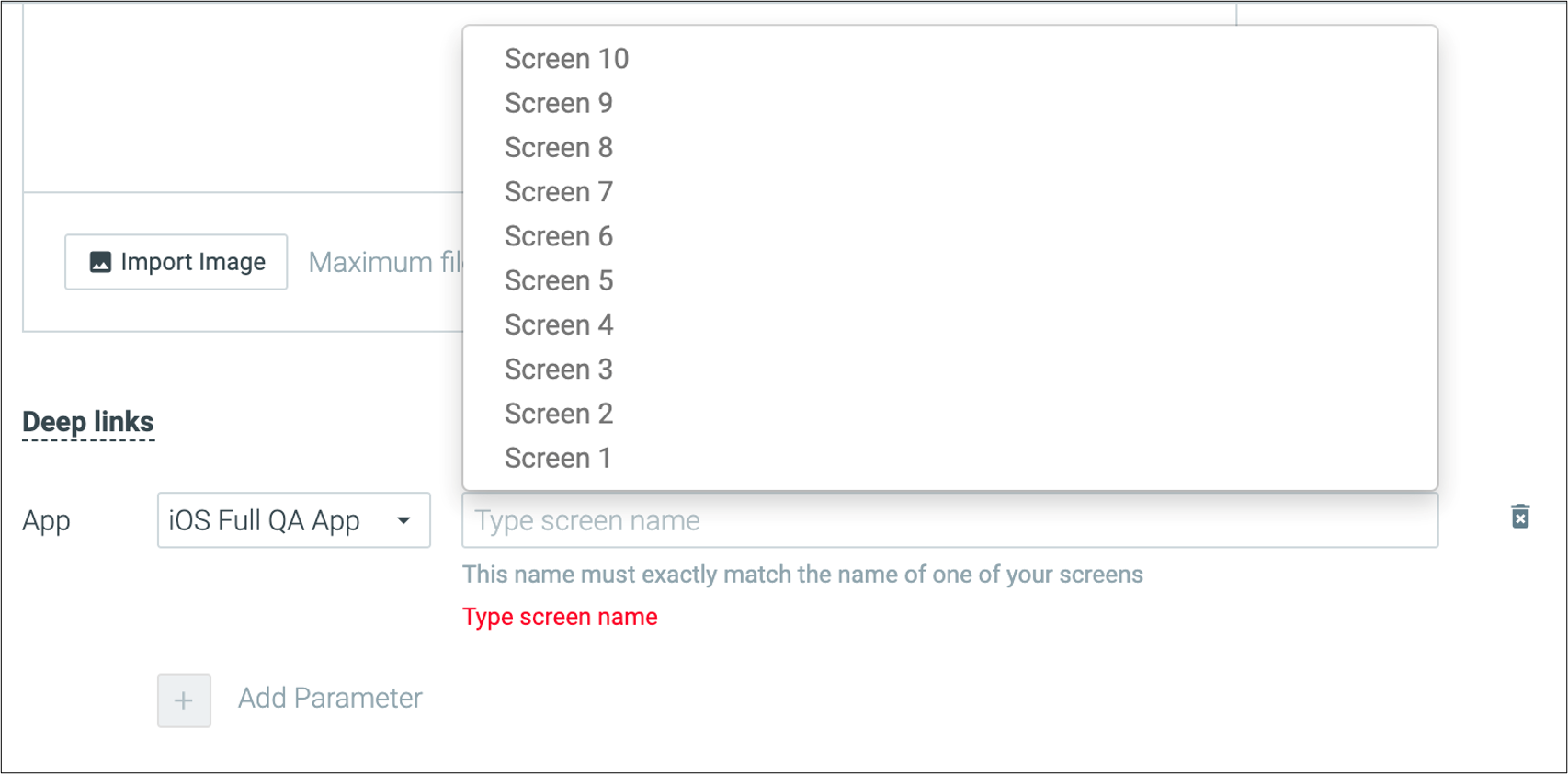
You can now specify any screen as a deep link destination in the push notification templates, no need to contact us to make any changes.
|| Important note: typing a screen name incorrectly will result in a deep link failure and the end-user will be taken to the app’s home screen instead.
Optimail
Visual Editor – New GIF & Sticker Content Blocks and Performance Improvements
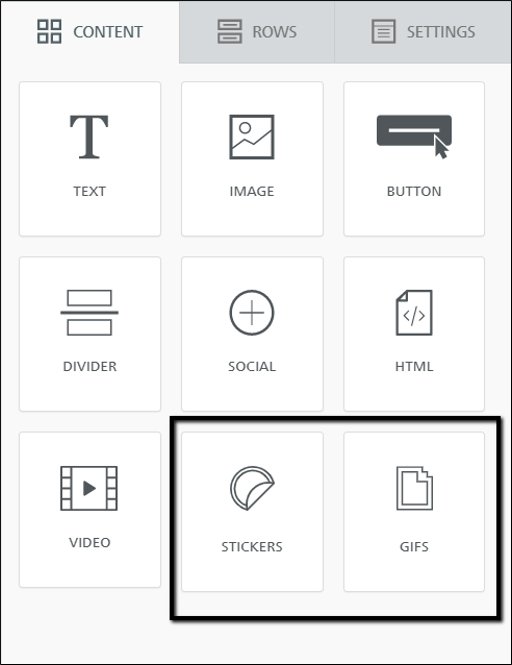
- New Content Blocks: GIFs and Stickers:
With the new content blocks, you can search and add GIFs and stickers without leaving the editor, in a fraction of the time. - Performance Improvements:
The visual editor now loads much faster (~2x) granting a better experience.
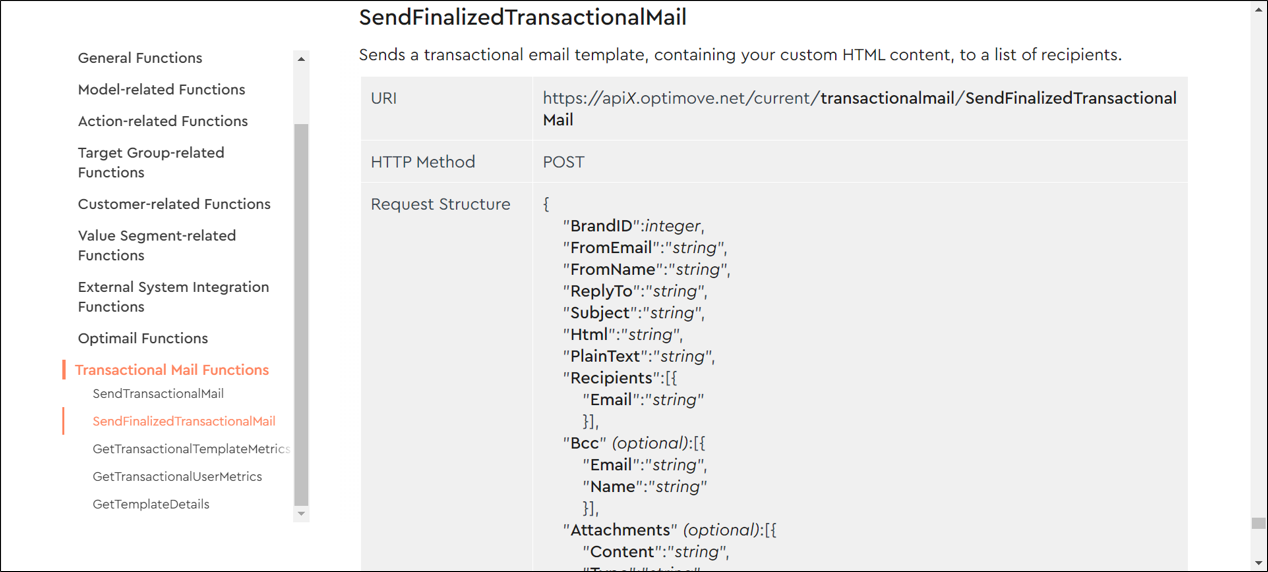
New Transactional Mail API
Optimail users can now use a new API call to send their transactional emails.
Customer Explorer
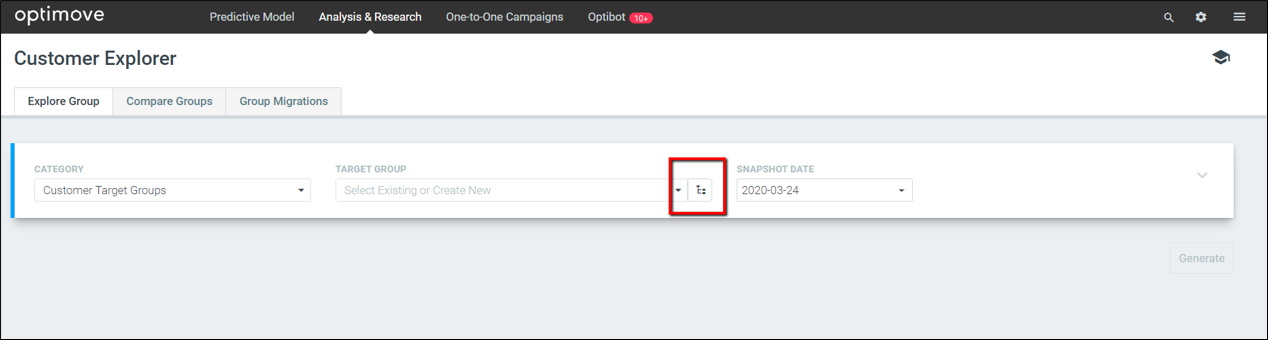
Select a Target Group Using the Target Group Tree View
Used to work with the target group tree view? You can now leverage this structure and select a target group directly from the tree view without the need to remember its name.
API – Support Data Delimiter
Set a data delimiter for all API calls that include Customer Attributes as an optional parameter, to define the character that will separate the attribute values.
- Comma (, )
- Colon (: )
- Semicolon (;)
- Tab (\t)