New Campaign Builder
The Optimove Campaign Builder Has Undergone a Complete Makeover
The new builder provides a faster campaign creation experience, instant feedback on mandatory missing fields, an immediate summary of what’s been logged in, a new sleek design, and keyboard navigation options (Tab to move between the input box and lists, Enter to open a dropdown, etc).
The interface now includes both scheduled and triggered campaigns, in one single place.
We will be rolling out the new campaign builder to all of Optimove’s users gradually.
Some features are currently not supported in the new campaign builder and will be added in the next versions.
The missing features are:
- Run campaign with CSV
- Lead Time
- Re-Evaluate Target Group
- Conditional Execution
- Send by customer local time
If your site has been upgraded to the new builder but you still need any of the above features, you can switch back to the legacy Run Campaign Wizard, at any time.
Click here to read how to build a campaign in the new builder.
Here’s a glimpse at your new campaign creation experience:
Optipush
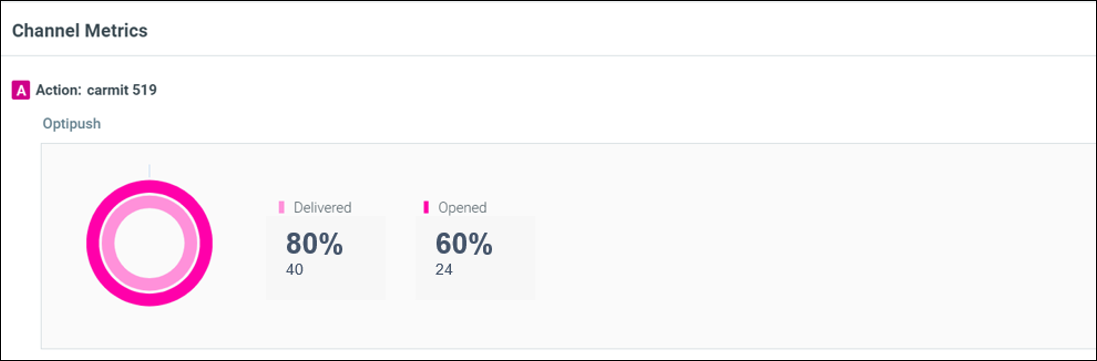
Explore Customers Who Engaged With an Optipush Campaign
Perform a deep dive analysis of customers who engaged with an Optipush campaign. Click on the number of customers under the Channel Metrics section on the Campaign Analysis page to open the list of customers in the Customer Explorer.