
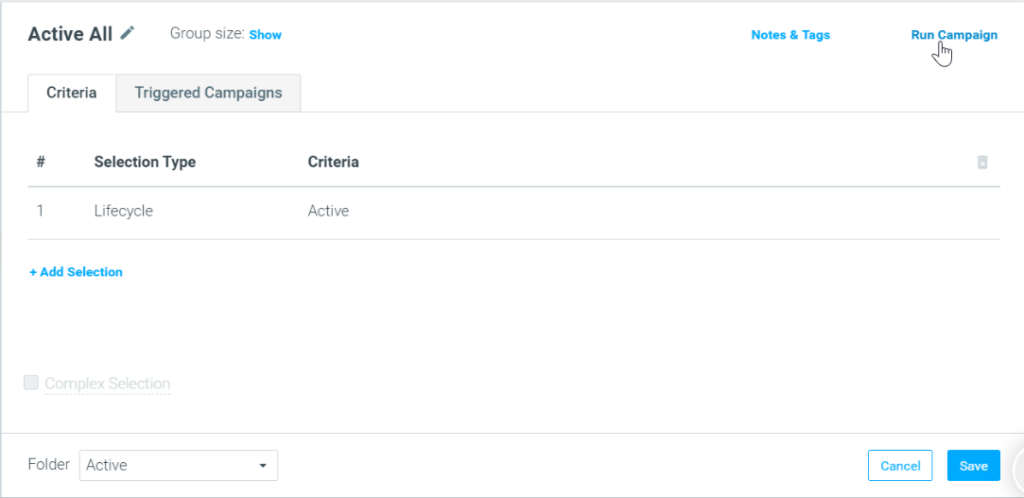
- A Target Group. Target Groups must be built in advance.
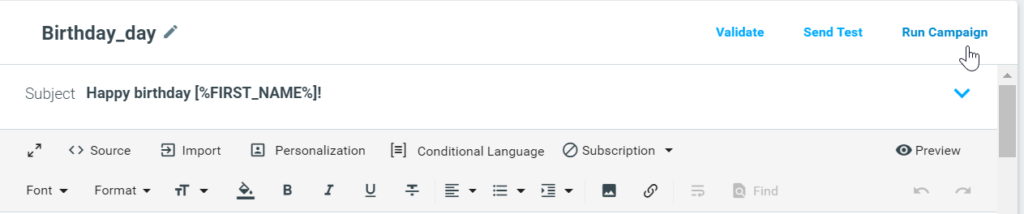
- A Template. Templates can be created from within the Campaign Builder.
- Actions. Actions can be created from within the Campaign Builder.
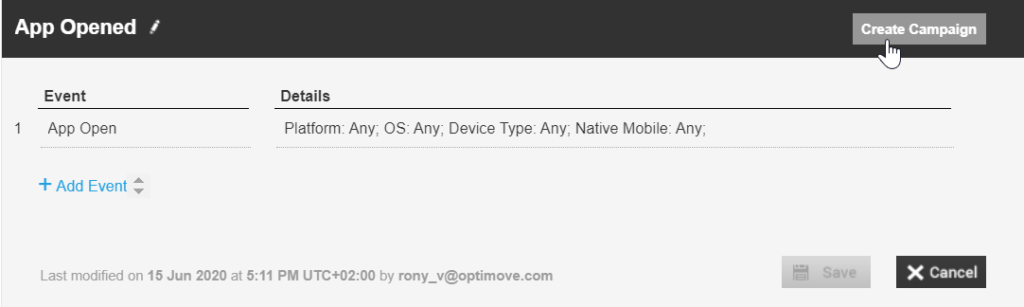
- A Trigger (for real-time campaigns). The trigger must be built in advance.
How to Access the Campaign Builder
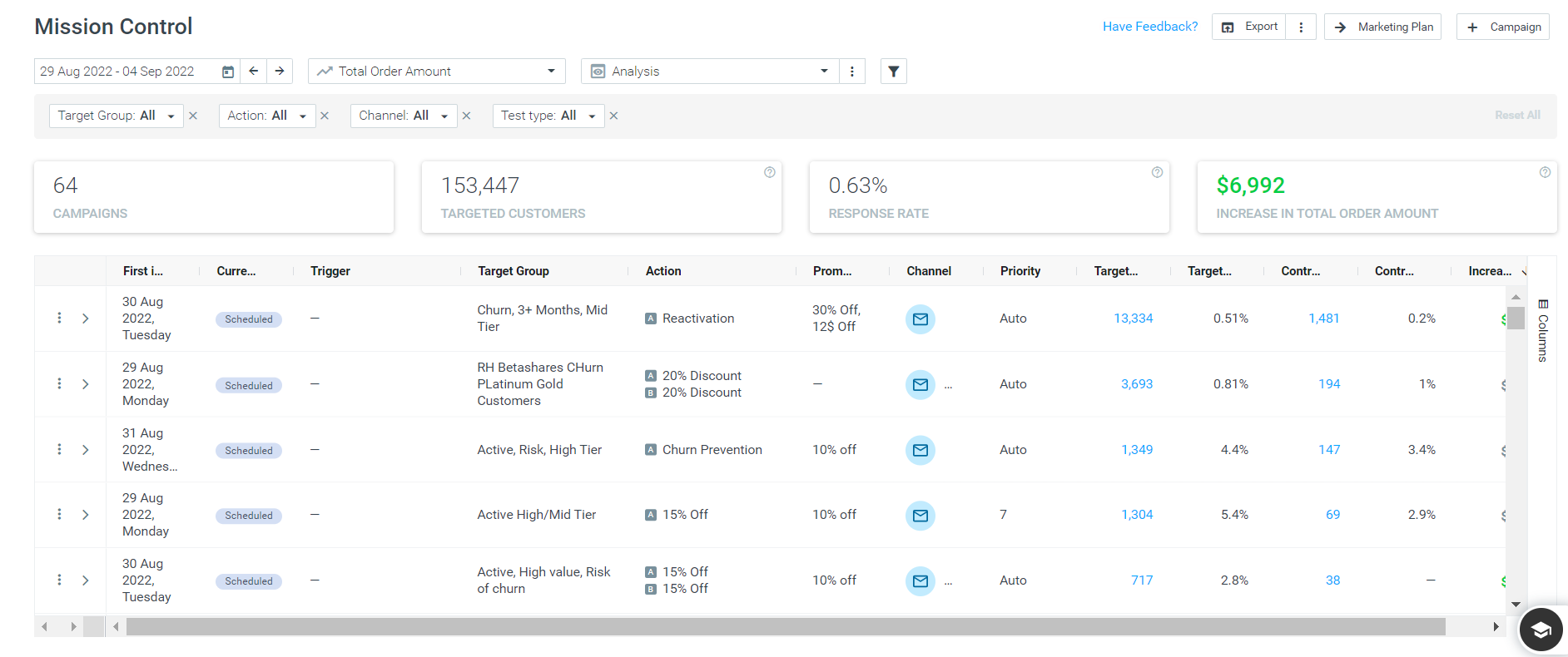
- From the 'Execute' tab in the navigation bar
How To Create a Campaign in Optimove
The following video includes an overview of how to set up a campaign in Optimove. For a step-by-step guide scroll below the video.
|| Please note that specific functionality (e.g., Lead Time, A/B/n campaigns) is omitted from the below. For information on each specific functionality see its respective article.
Steps:
1. Go to the Campaign Builder
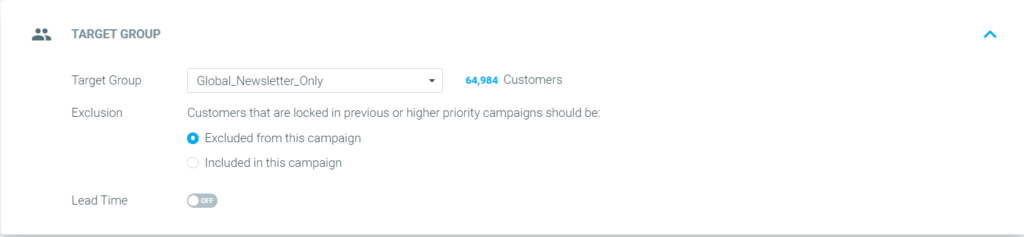
2. Select the target group you want to send the campaign to. For example, “Global Newsletter Only.”
3. Define whether customers included in this campaign and others with higher prioritization should be included or excluded from this campaign. Note that it is recommended to exclude customers from concurring campaigns and that by default, that is the selected option. For more on exclusions click here.
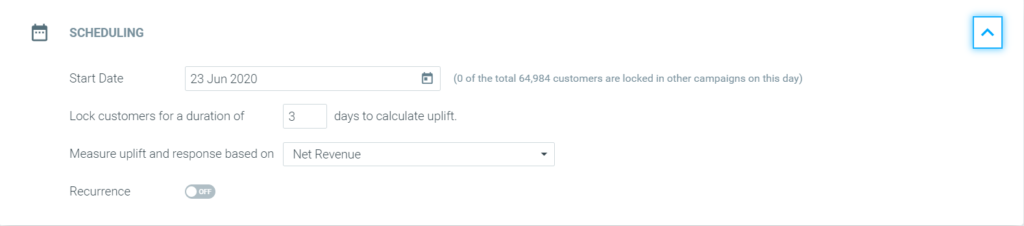
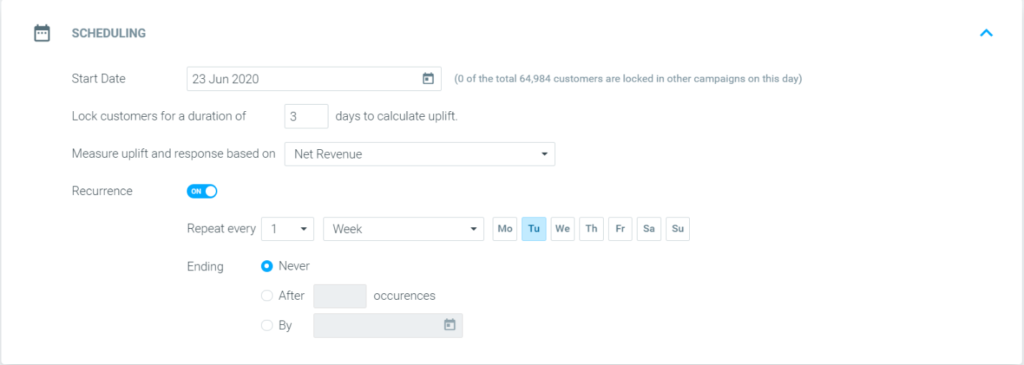
4. Set the campaign start date.
|| Protip!
Once you've selected your Target Group and Start Date, you can save your campaign as a draft and revisit it in Mission Control. Learn more about drafting campaigns here.
5. Define the campaign’s duration. Campaign duration refers to the number of days that your campaign is considered to be in effect. Note that your Optimove instance’s default duration, in this case, “3 days,” is always prepopulated. You can manually override it by typing in a different duration. For more on campaign duration click here.
6. Select the KPI you would like to measure and optimize this campaign against. For example, Net Revenue.

Key Elements to Keep In Mind
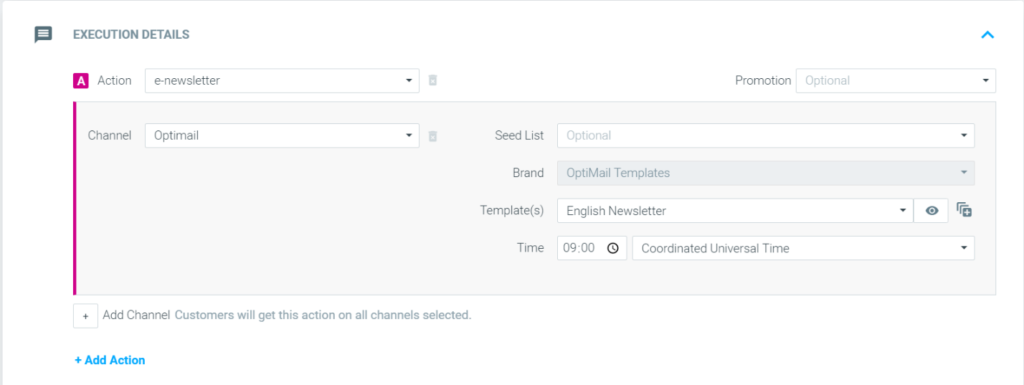
- Toggling on 'Re-evaluate Target Group'
- Seed List
- Template
- Execution Time
To change other elements such as exclusion, duration, and recurrence settings, the Campaign will need to be deleted and recreated.
To learn more, check out Campaign Building 101 in Optimove Courses.