Streams
Use existing target groups to build your Stream
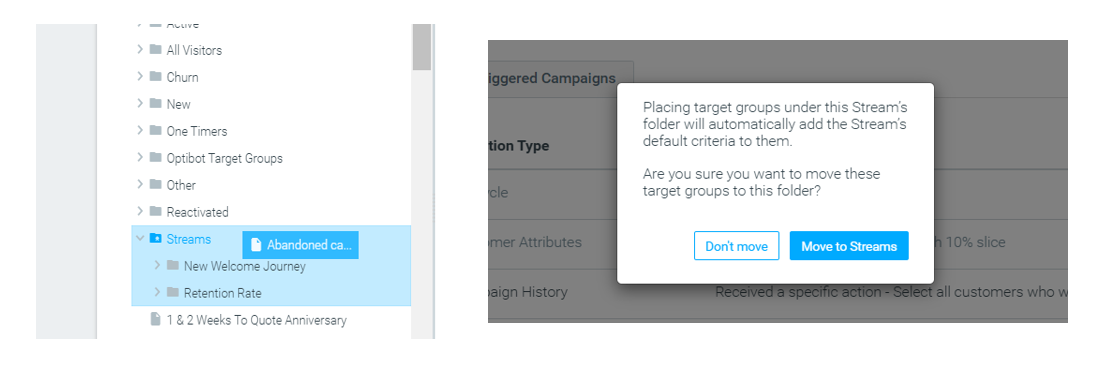
You can now build Streams using an existing target group instead of having to create new target groups. Just drag any target group and drop it in the relevant Stream folder to use it in your Stream.
Additionally, all campaigns associated with the target groups will be considered a part of the relevant Stream during the experiment date range. Read more here.
”Keep one Stream” – new button added
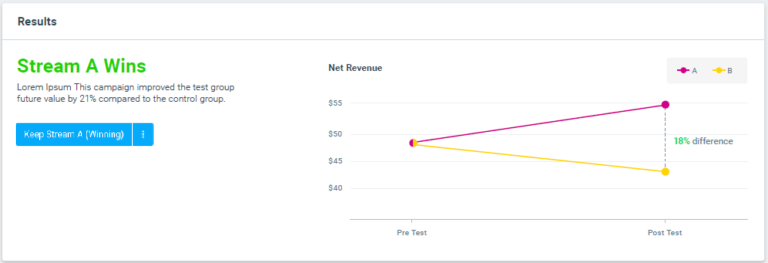
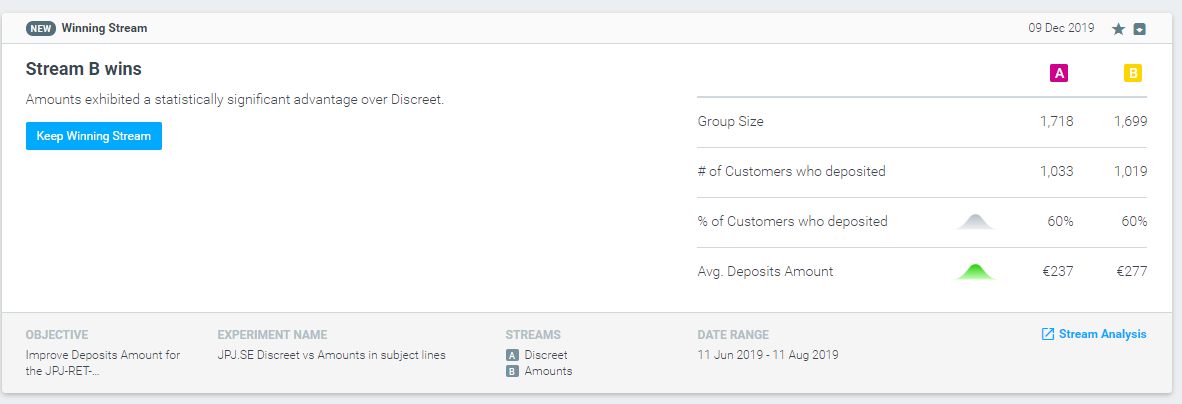
You can now easily keep one Stream and discard the other, with a single click of a button, right from the Streams Analysis page.
Realtime data indicator
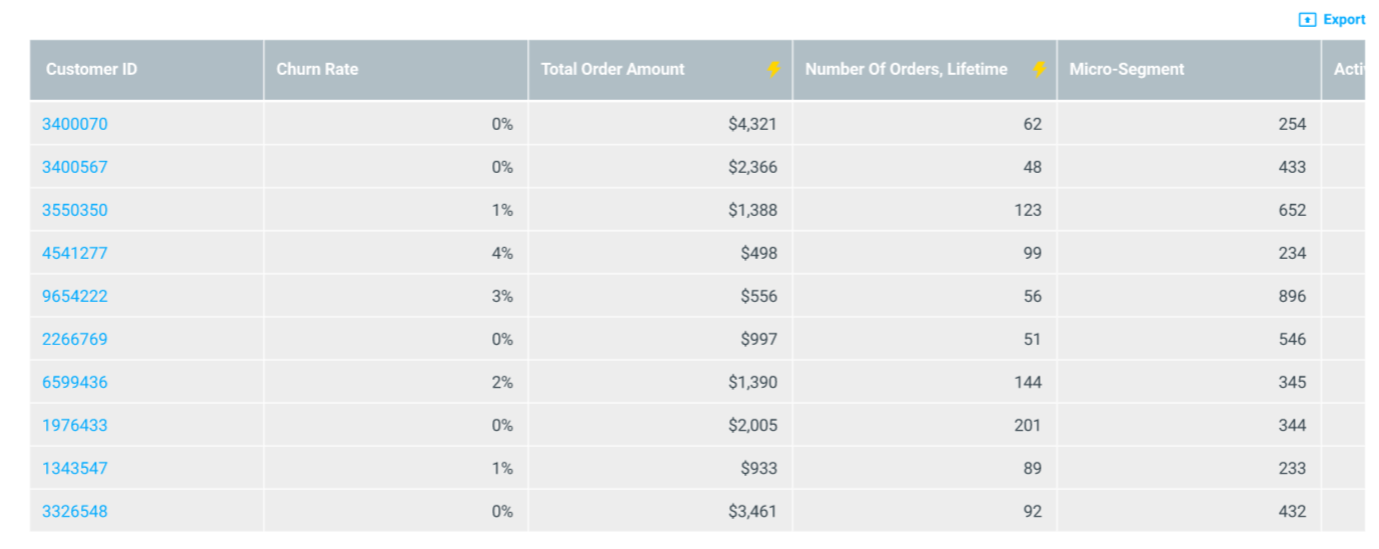
Realtime attributes are now indicated with a lighting icon, for faster identification.
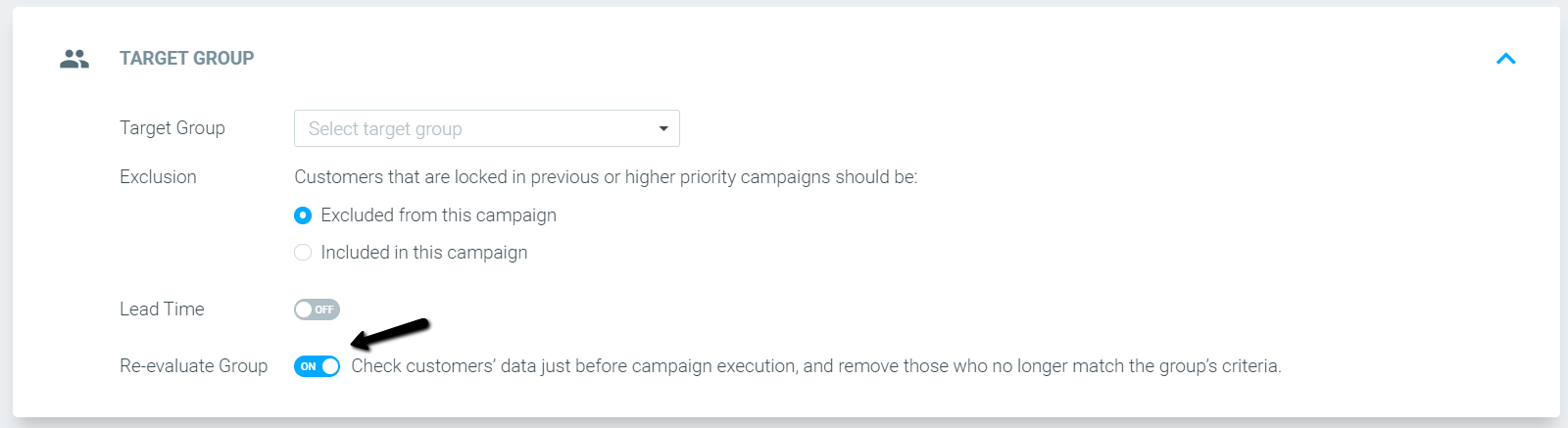
Re-evaluate Group – turned on by default for target groups containing the “today” condition
Campaigns with target groups containing attributes that make use of the “Today” condition will have the Re-evaluate Group feature turned on by default, updating the target group before the campaign is sent.
The “Exclude Outliers” button added to the Campaign Analysis page
Use the new “Exclude Outliers” button to remove outliers from your campaign results.
Track & Trigger
New web-page pop-up metric
See how many times a popup has been displayed using the new web-page pop-up metric now available in the Triggered Campaign Explorer.

Send triggered campaigns following non-sequential events
You can now deliver triggered campaigns using triggers that follow non-sequential events.
Optimail
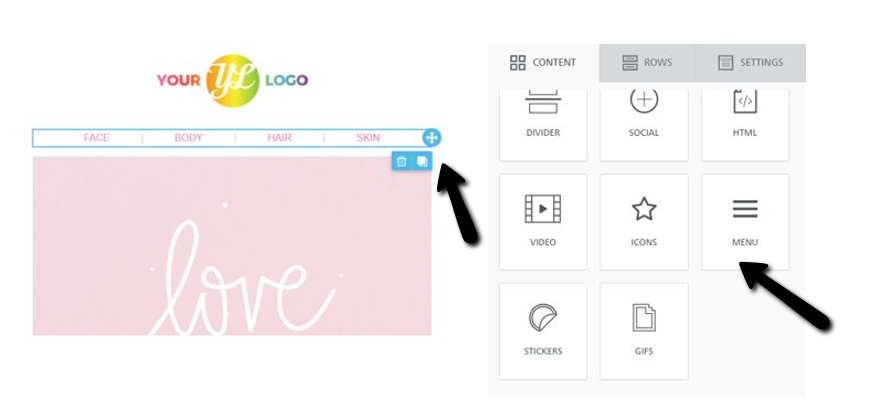
Visual Editor – new menu block added
Easily create templates that include a menu. For example, leading your customers into a specific product category on your website.
Optipush
Send push notifications by customer's local time zone
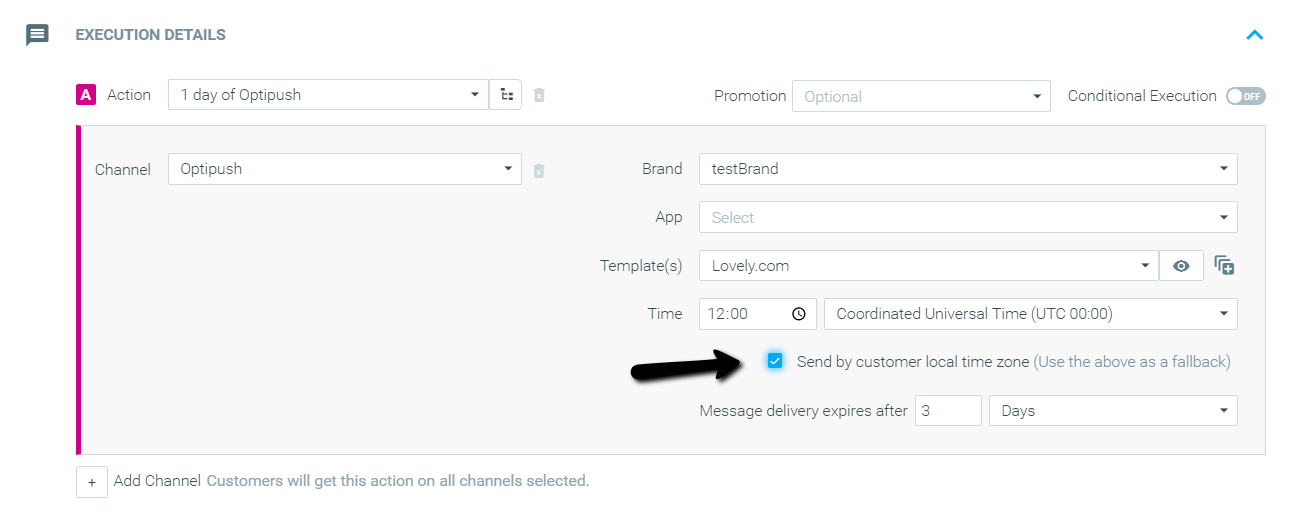
Send push notifications according to your customer’s local time zone.