
Campaign Builder
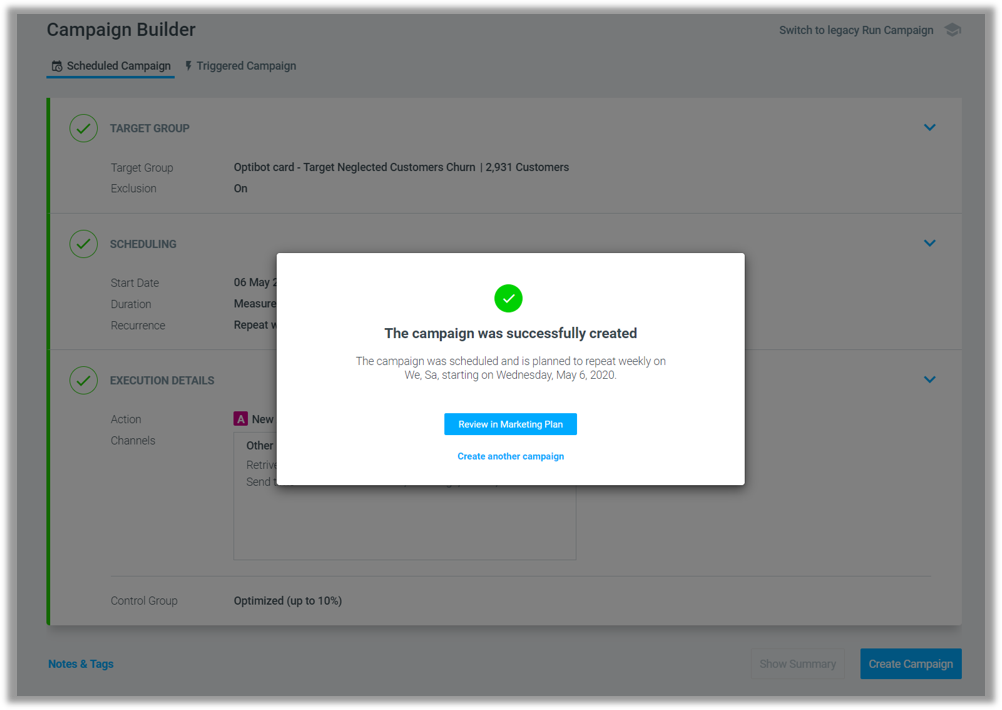
Jump straight to your Marketing Plan after setting up your campaign
You asked we listened.
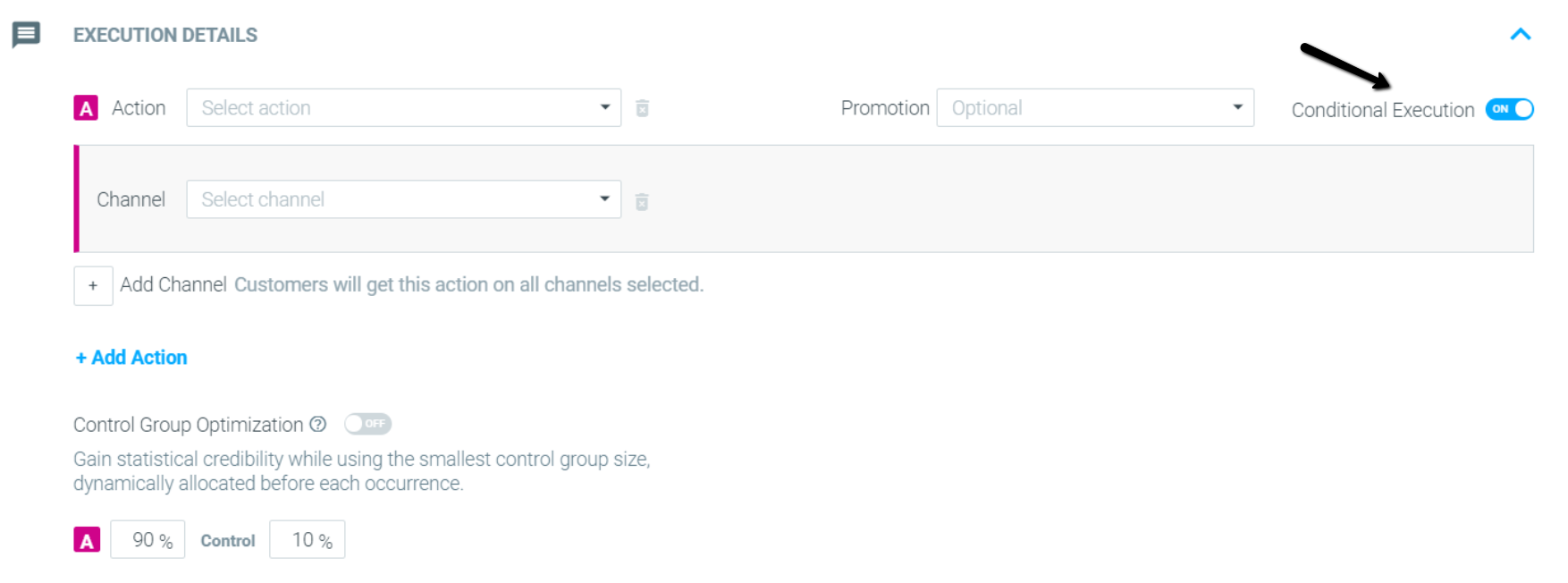
Conditional Execution is now supported
If you missed our legacy Campaign Wizard’s Conditional Execution feature, you can now find it in the new Campaign Builder, under “Execution Details.”
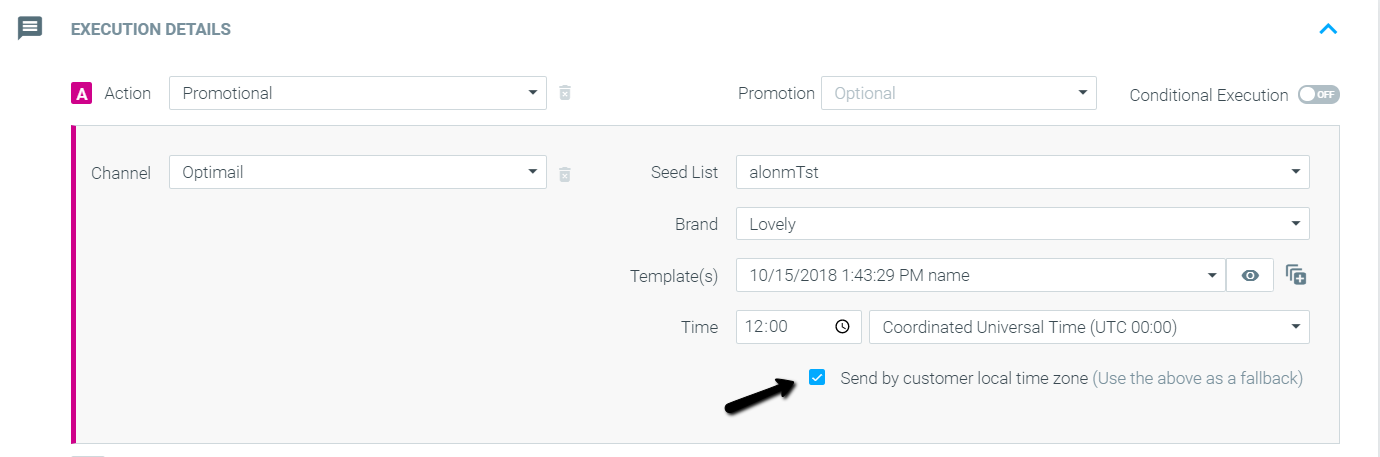
Sending by the customer’s local time zone is now supported
If you are using Optimail, you can now send your campaign based on the local time zone in the new Campaign Builder. All you have to do is click the checkbox under “Execution Details” while setting up your campaign’s action.
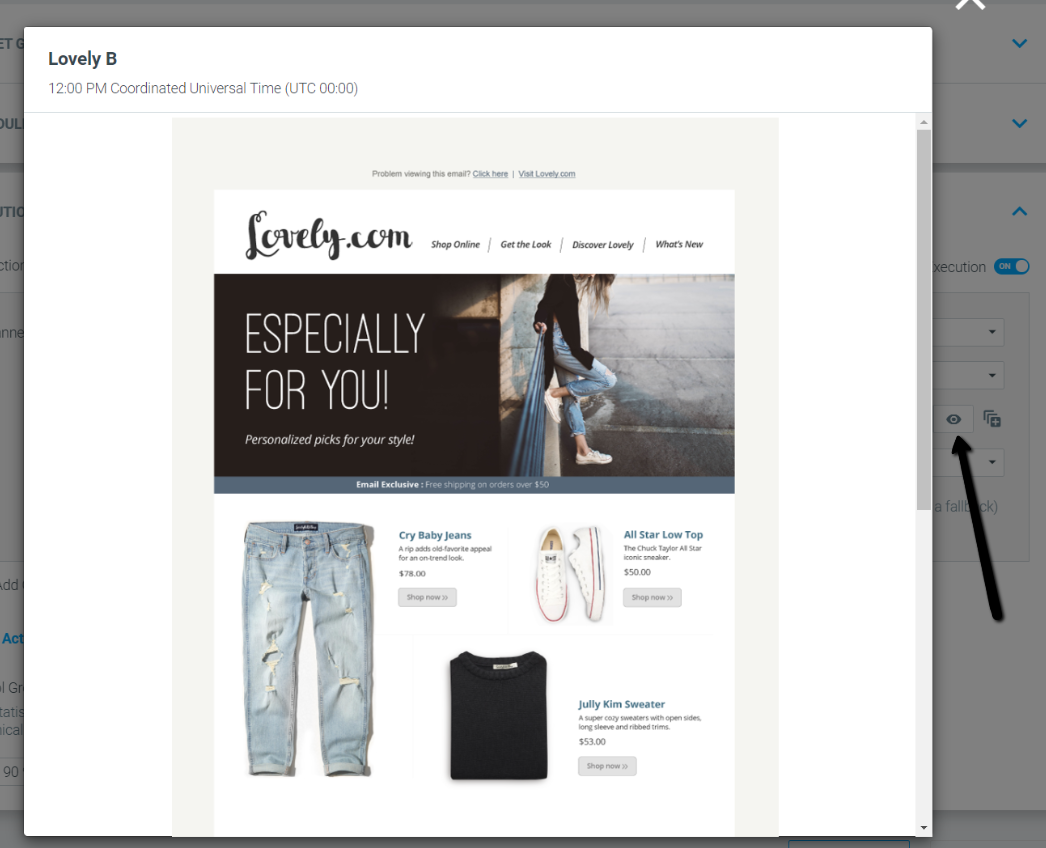
Enjoy an enlarged preview of your templates
Clicking the "eye" icon now displays an enlarged preview of the campaign template.
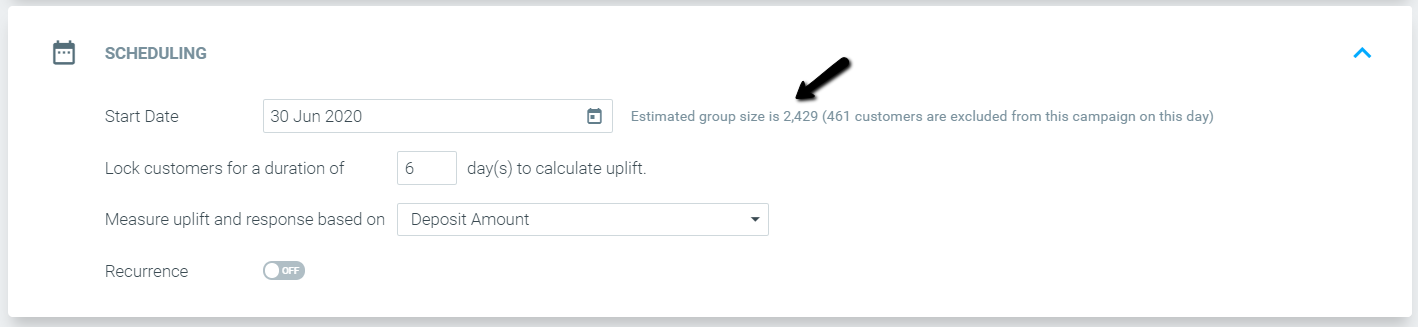
Target group size estimation is now supported
You can now easily see the estimated number of users expected to receive your campaign, as well as an exact indication of the number of customers excluded due to daily target group prioritization.
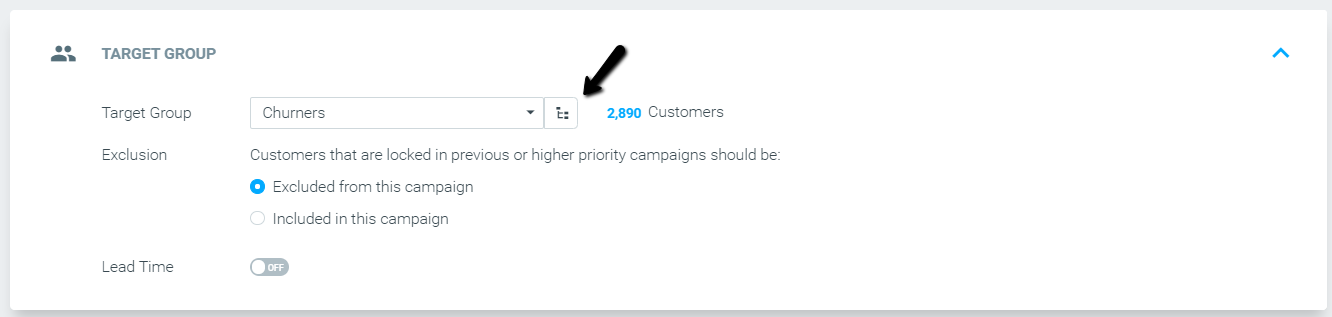
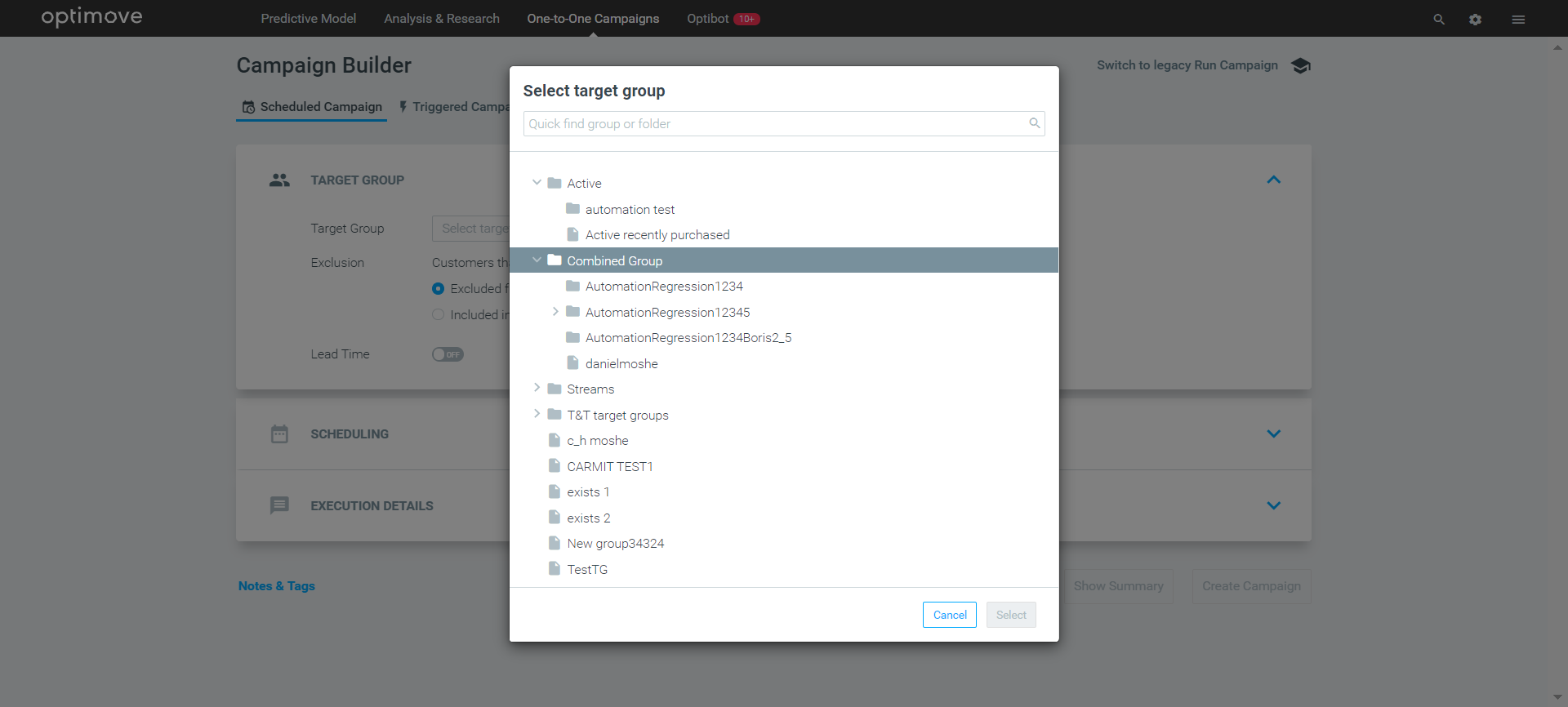
Target group tree view
Easily look for the relevant target group using the new tree view:
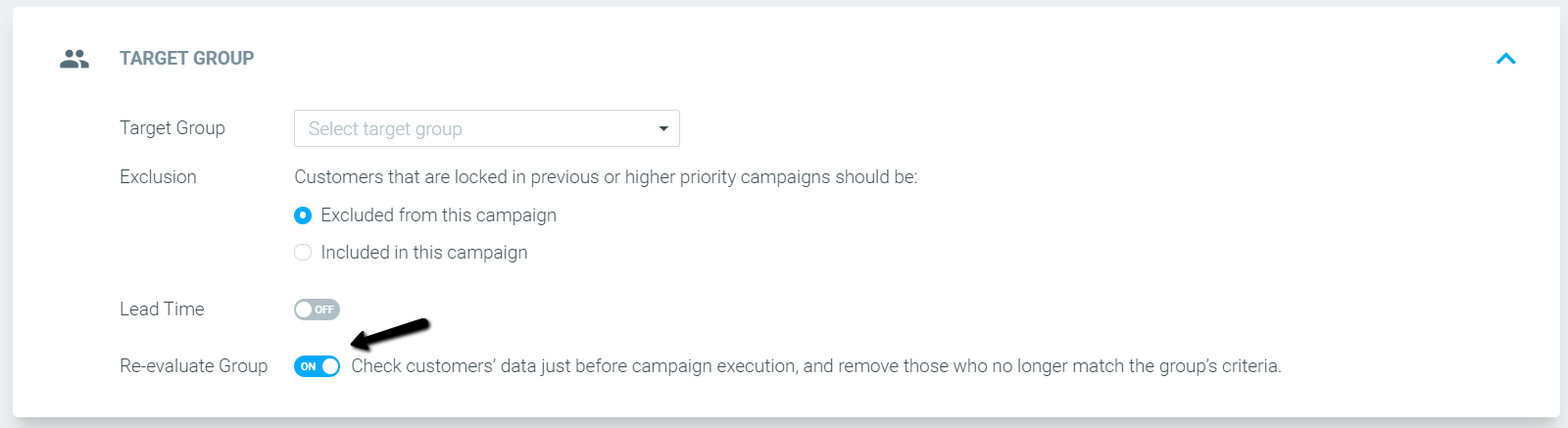
Re-evaluate Group – turned on by default
From now on, campaigns with target groups containing real-time customer attributes (e.g., Web & App Activity, certain Engagement Activity attributes) will have the Re-evaluate Group feature turned on by default. This change will help make sure your customers always receive the most relevant campaign.
Optimove and Zendesk Integration
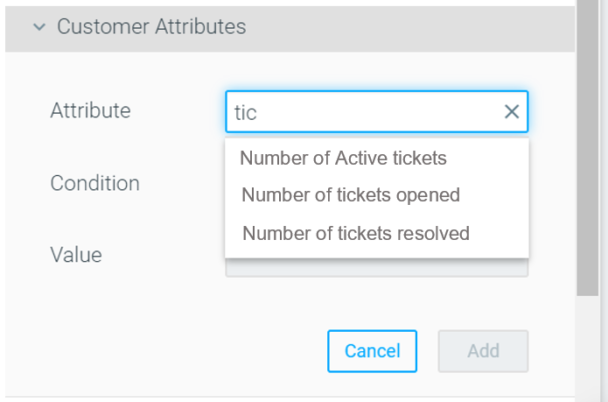
Is Support one of your strong suits? Do you use Zendesk? Ensure that the Marketing and Support teams are always working in unison by integrating Zendesk with Optimove.
Optimail
Transactional metrics added
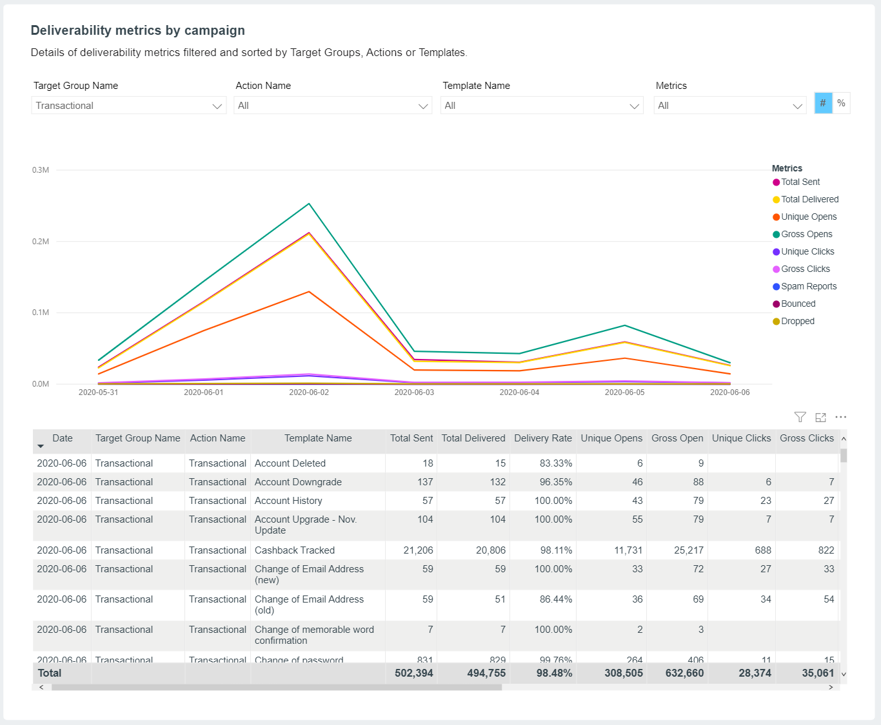
Optimail’s deliverability report now includes transactional email metrics. To view the metrics, choose the "Transactional" target group or action in the "Deliverability metrics by campaign" section.
Transactional API update
Users who have added personalization tags to their transactional email templates can now leave the personalization tag blank (within the API call) when executing the campaign.
Visual Editor: Icons block added
Optimail users can now use the Icons content block to create layouts mixing icons and text, such as star ratings, bullet lists, properties, and more.
Track & Trigger
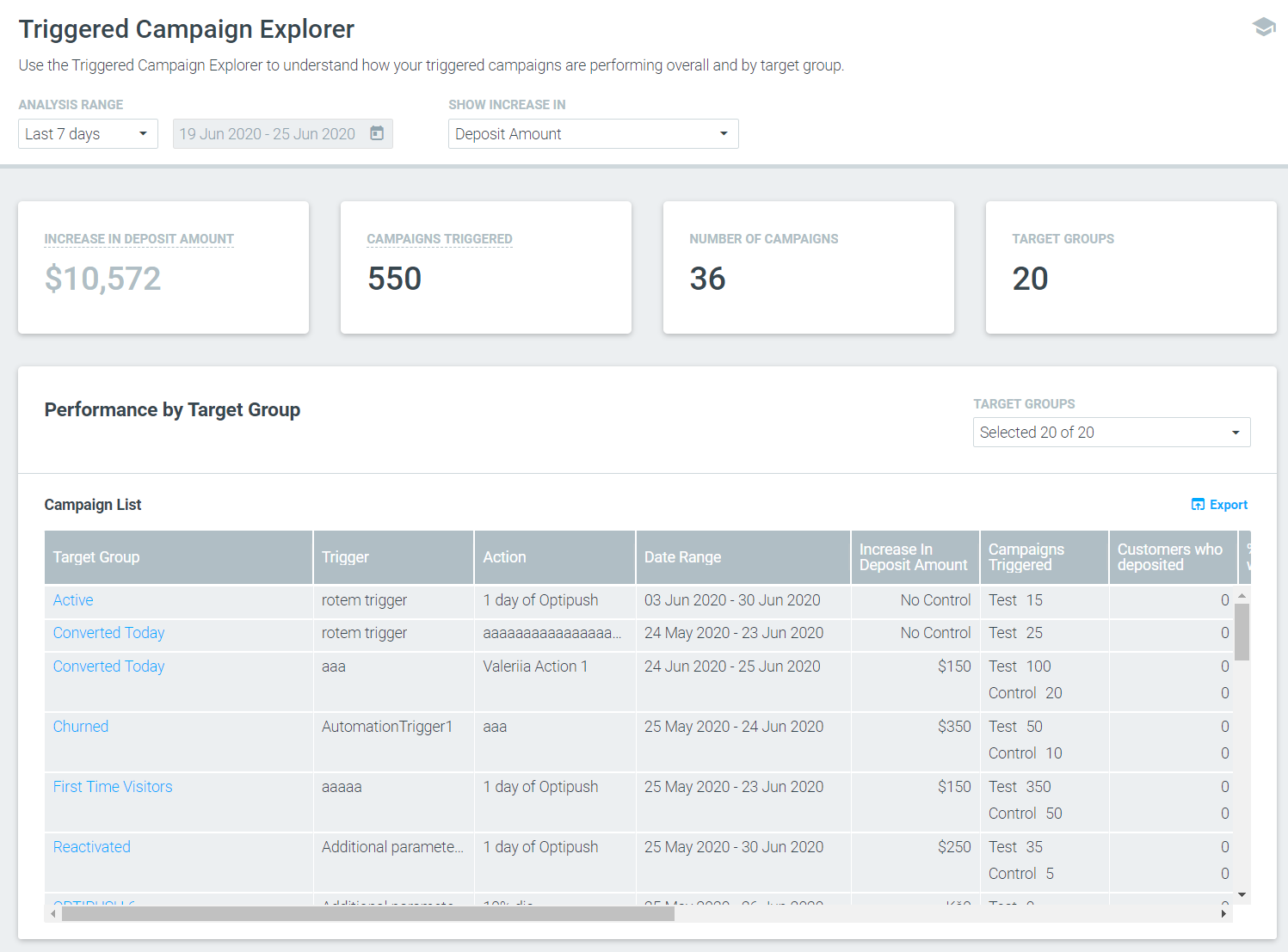
Redesigned Triggered Campaign Explorer
Optipush
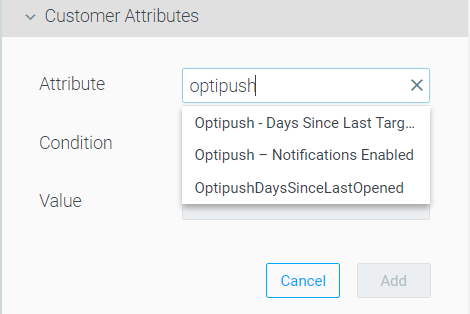
Customer Attribute: “Days since last Optipush received” renamed
The customer attribute “Days since last Optipush received” has been renamed to “Optipush – Days Since Last Targeted” to reflect the attribute’s meaning better.
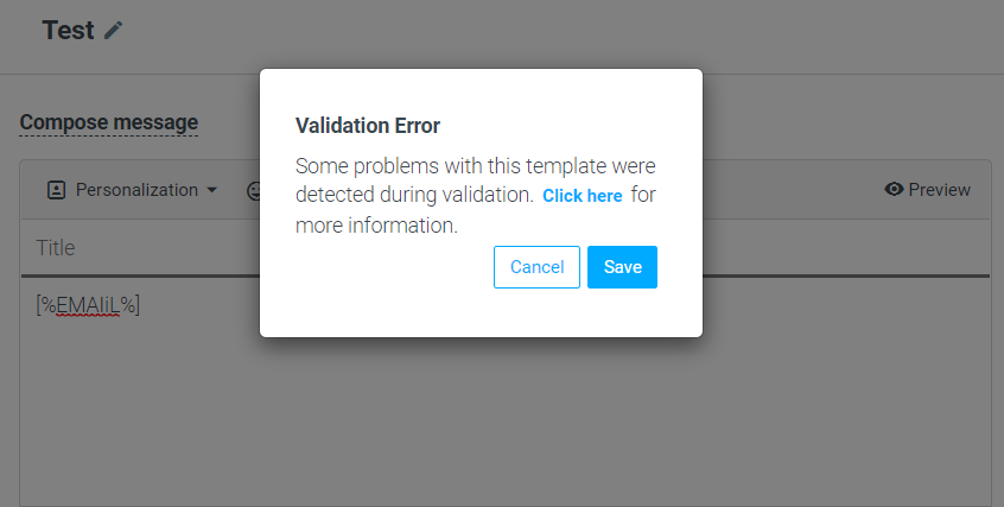
Template creation: “Validate” button removed
From now on, templates with an invalid personalization tag will trigger an error when saving the template.
 '
'