Mission Control
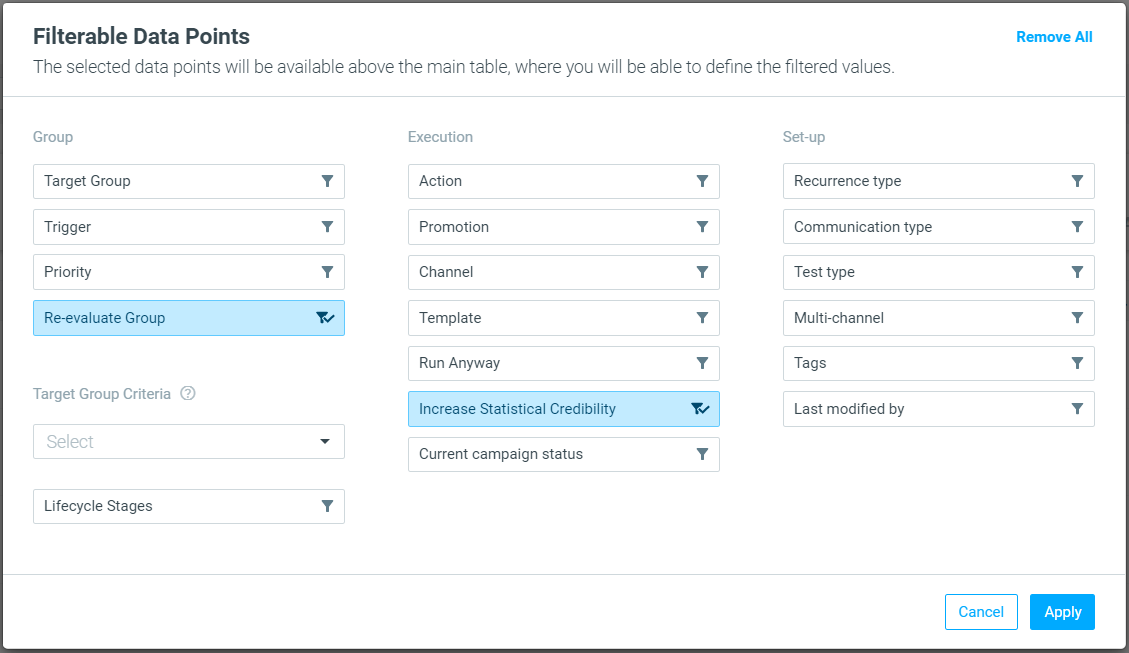
New Filterable Data Points Added
Mission Control continues to get better. And when we say better, we mean making your life easier.
|| Customer Attribute Filters:
- Only String attributes are supported.
- Only "Equals" and "One of" operators are supported.
Furthermore, filters based on a campaign's statistical credibility or lack thereof and for campaigns with Re-evaluate Group have been added.
Self-Serve Personalization Tags
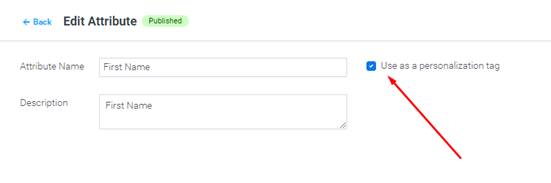
Create Your Own Tags
No more waiting to use your customer attributes as personalization tags across channels. Now your Admins can turn any customer attribute into a personalization tag and you can leverage it in Optimove and Optipush.
|| Note: currently only standard attributes being shared as part of your batch process are supported. We will soon expand the capability for attributes created via the Data Studio.
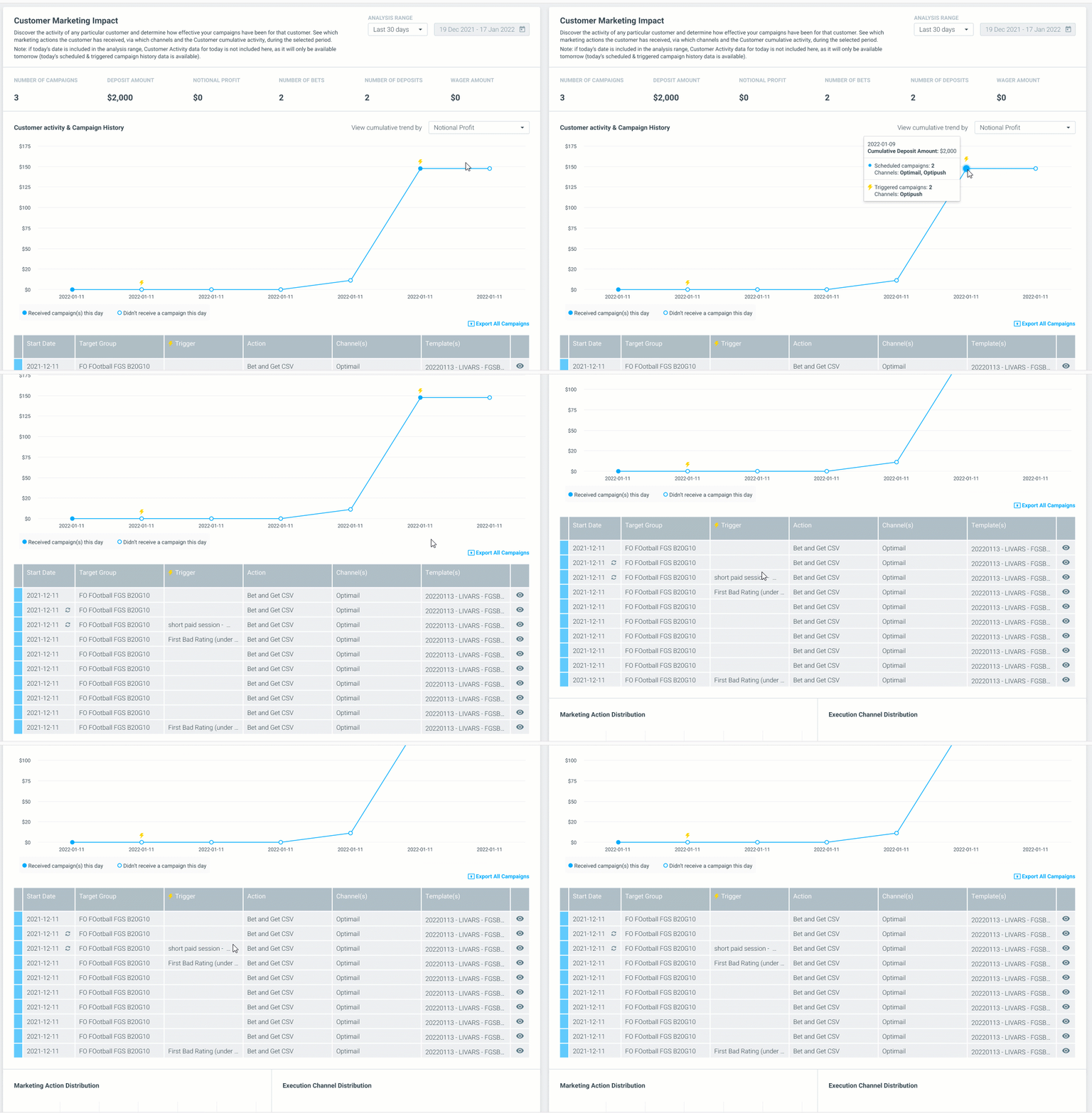
Customer 360 Report
Realtime Triggered Campaigns
The customer 360 report provides an in-depth look into each individual customer.
- View all triggered and scheduled campaigns in one single timeline
- Identify what activity triggered each real-time campaign
- Easily filter between scheduled and triggered campaigns in the list view
Optimail
New Content Blocks in the Visual Editor
To provide you with a better experience building your email templates, we have replaced the "Text" content block with two separate block types: "Paragraph" and "List."
|| Backward Compatibility: Templates using the old "Text" content block are not affected by this change and will maintain their styling and formatting.
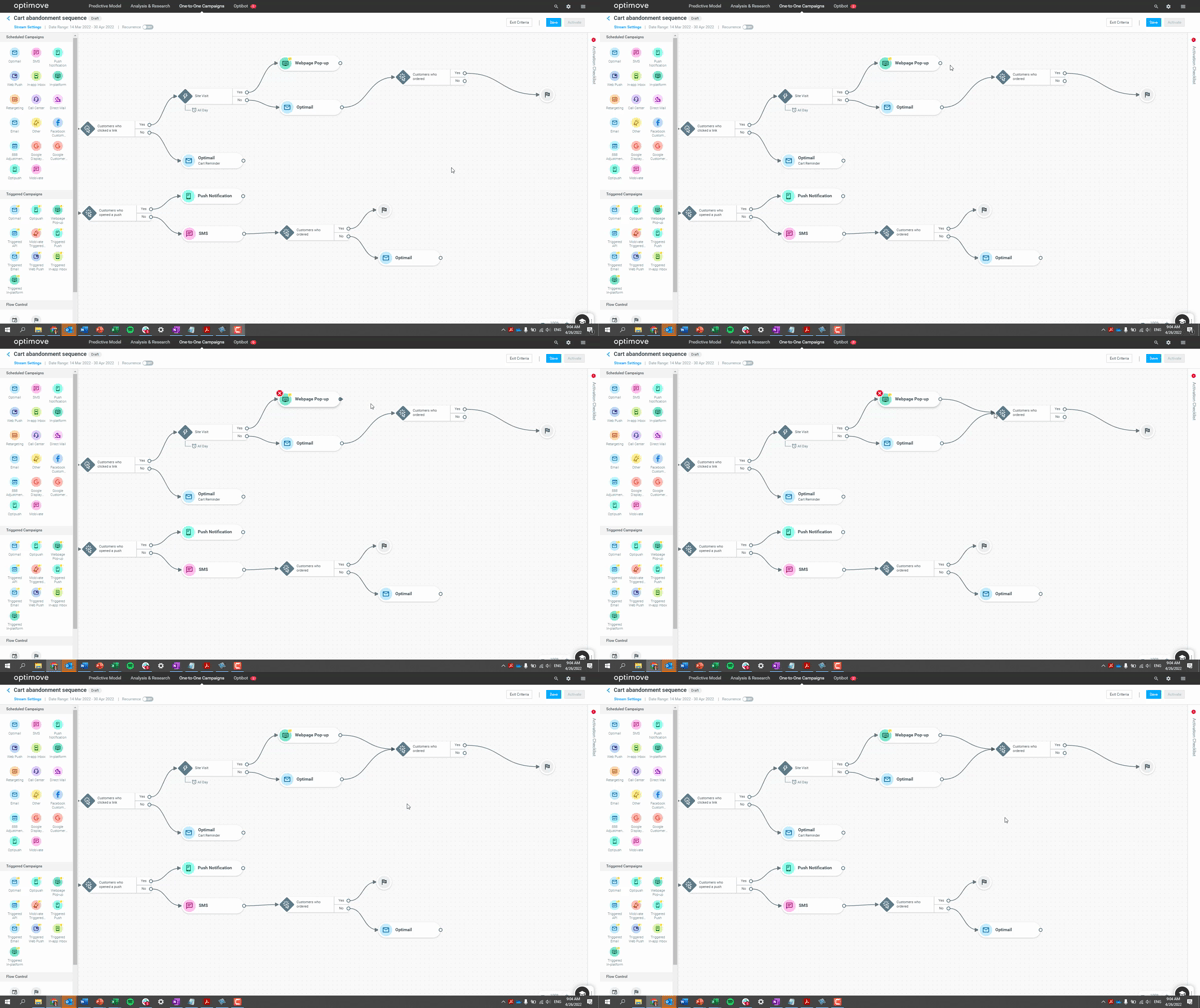
Streams Visual Builder
Merge Flows
You can merge two or more components within a treatment back into a single flow control, split element, or campaign.